Costume try-on
AI Halloween Costume Generator
Upload a clear photo and describe the costume you want. The image model keeps your face and body proportions while rebuilding the outfit, fabric, lighting, and background around you.
- Face-first editing instead of a mask or filter
- Costume, fabric, and scene in one prompt
- Export a still or animate it for five seconds
Updated October 20, 2026
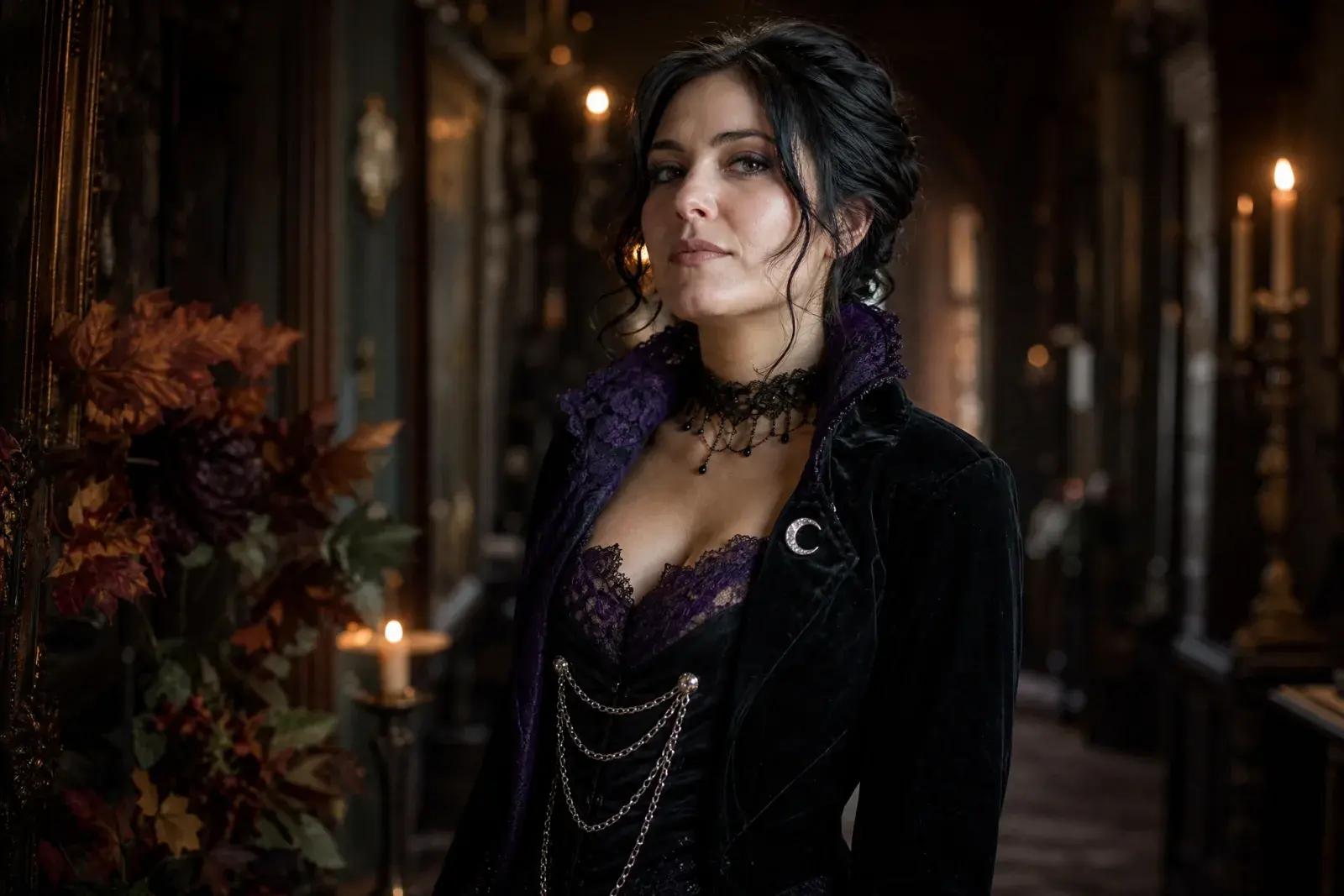
Related Halloween looks
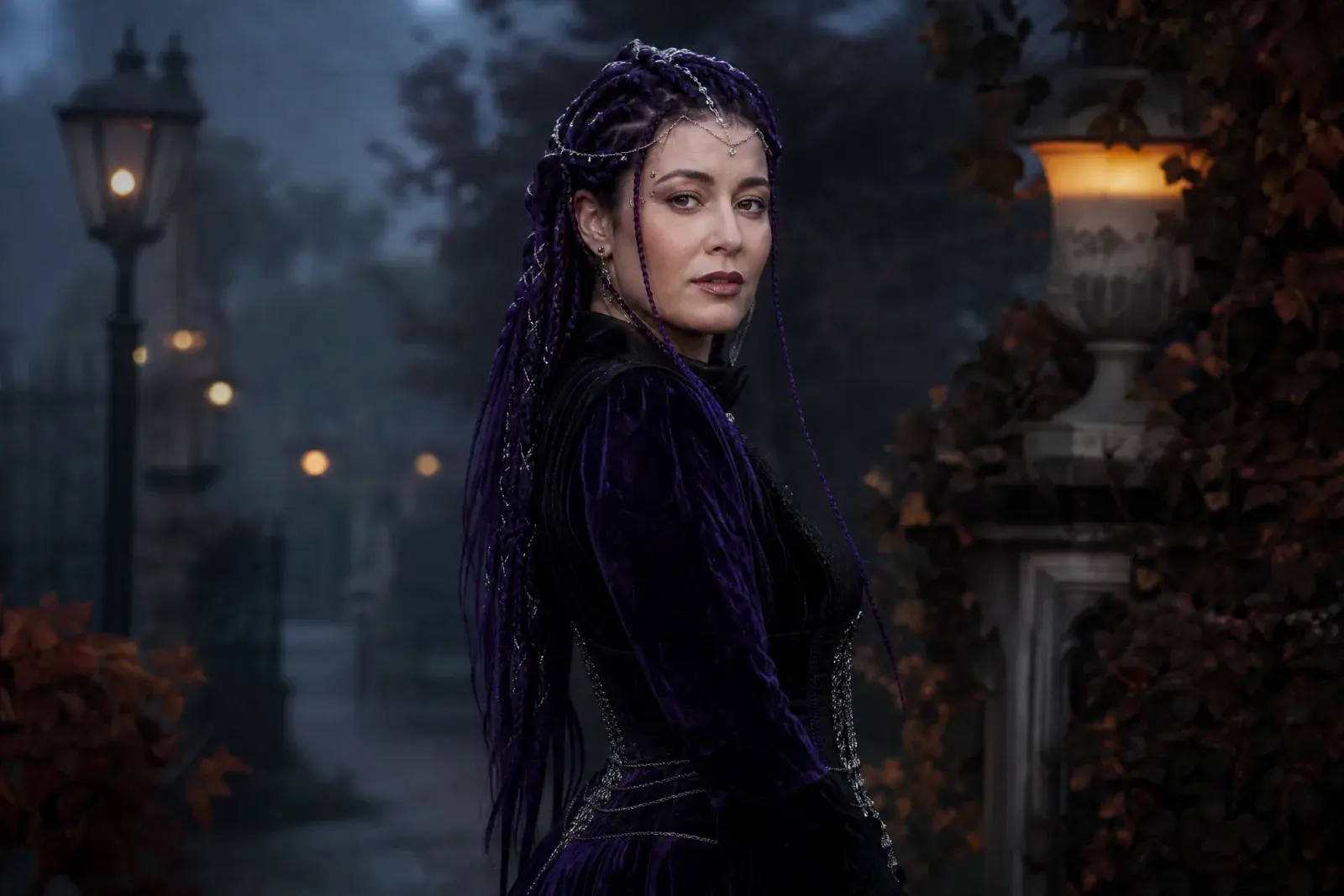
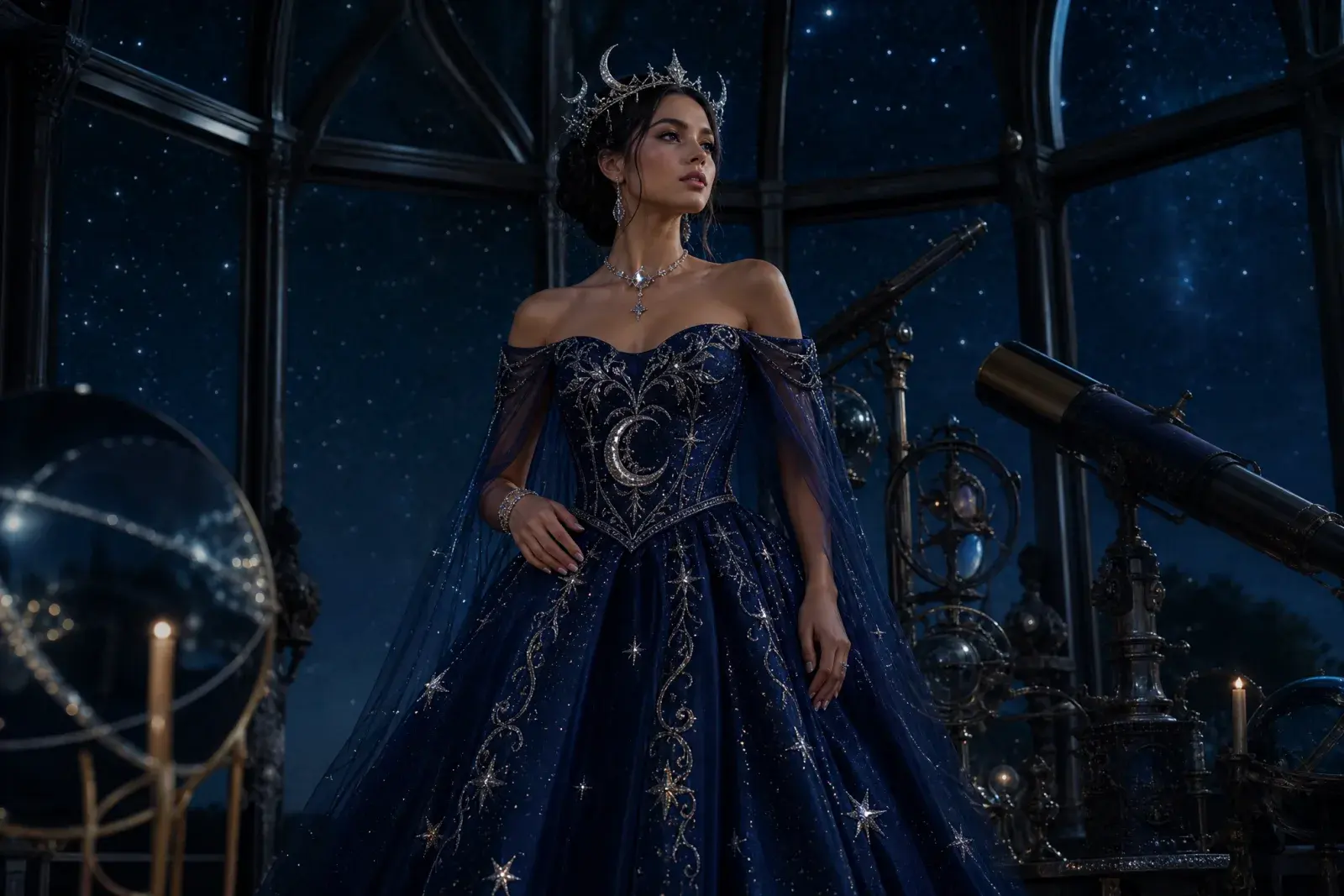
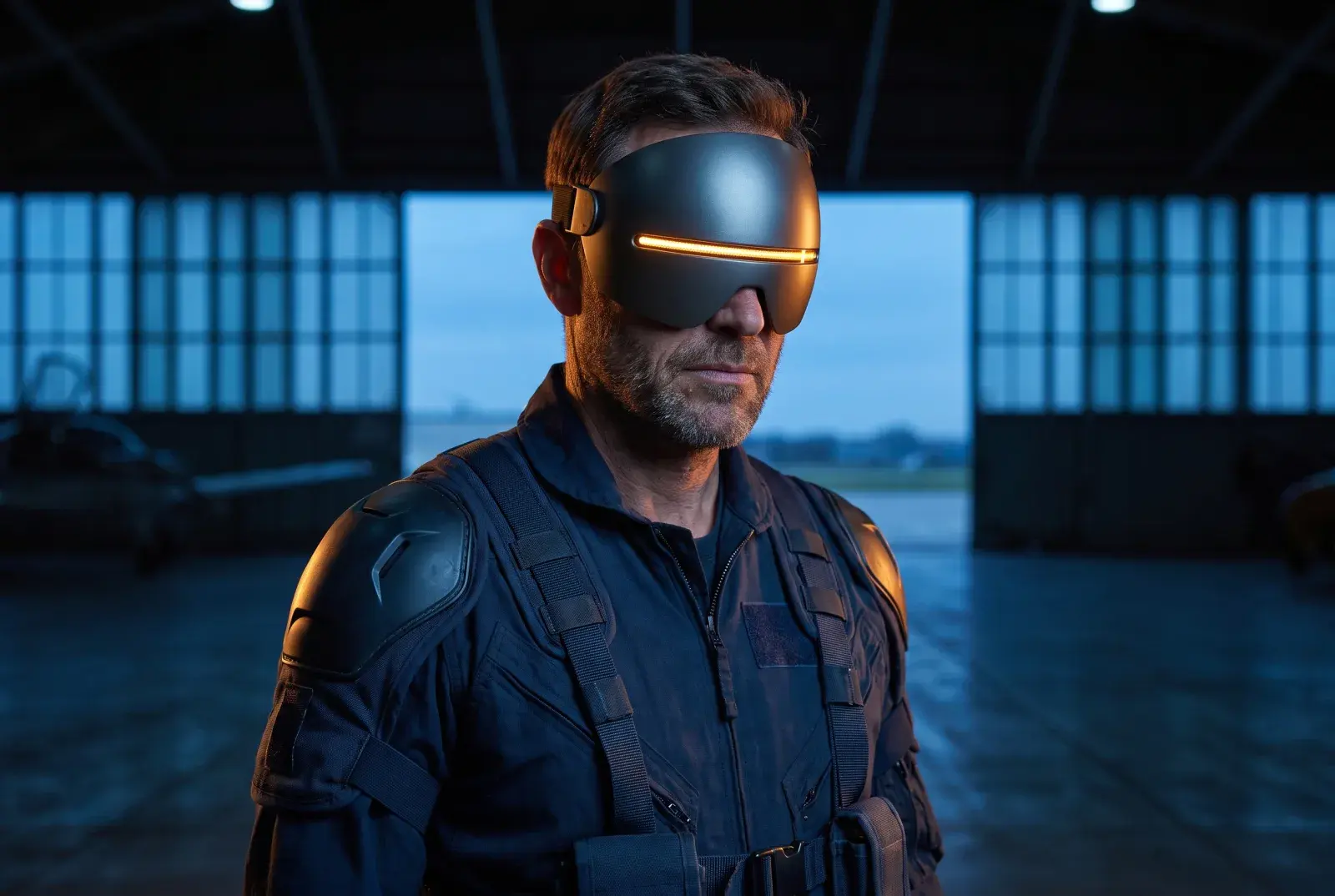
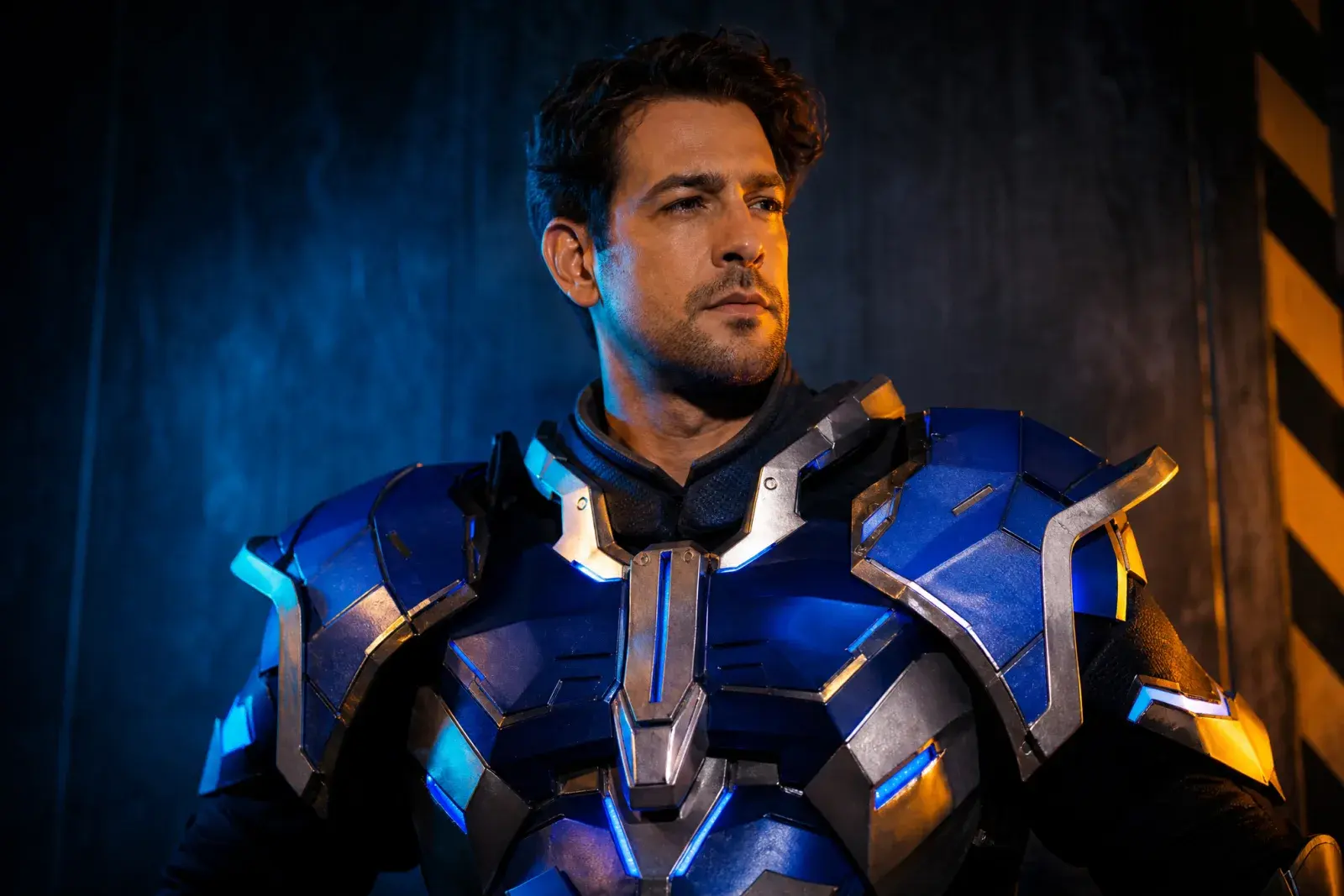
Eight original looks built around this year's trending costume language: gothic braids, celestial princess, sci-fi visor hero, pumpkin pet, robot, haunted mascot, liminal horror, and a cowboy-angel couple.
How it works
1
Upload one clear photo
Use a front-facing photo with even light and no sunglasses. One person works best; couples need a multi-reference model.
2
Keep the identity lines
The prompt protects the face, skin tone, body proportions, and the number of people. Change the costume and scene, not the person.
3
Edit once, then animate
Generate the still first. When the face and costume look right, send that image to an image-to-video model for a five-second clip.
Prompt recipe
Start with the featured gothic costume prompt, then replace the garment and scene lines. Keep the identity, anatomy, and negative constraints unchanged.
Open the image generator, upload your photo, and keep the identity-preservation lines intact. The prompt is written for an image-editing model, not a generic text-to-image prompt.
Use the uploaded photo as the primary reference. Preserve the subject's recognizable facial identity, facial proportions, skin tone, approximate age and natural anatomy. Transform the subject into an original gothic Halloween fashion portrait. Change the hairstyle into long violet braids decorated with delicate silver hair accessories. Replace the clothing with an elegant black-and-purple velvet outfit featuring subtle lace and metallic details. Place the subject in a moonlit Victorian garden with soft fog, glowing lanterns and dark autumn foliage. Use photorealistic editorial photography, realistic fabric textures, natural skin details and cinematic soft lighting. Keep the same number of people as the uploaded photo. Avoid altered facial identity, extra limbs, duplicated fingers, distorted anatomy, text, logos and watermarks.
Model routing
Each look can run on more than one model. Start with an identity-first model, then compare a scene-first edit when you need a stronger costume or background.
KIENano Banana ProFace and identity preservation
Image editKIESeedream 4.5 EditCostume, fabric and scene changes
Image editKIEFLUX KontextCostume, fabric and scene changes
Image editKIEGPT-4o Image EditCostume, fabric and scene changes
Image editKIEKling 2.1 ProShort cinematic motion
Image to videoKIEVeo 3.1 FastShort cinematic motion
Image to videoKIESeedance 1.5 ProShort cinematic motion
Image to videoKIESora 2 CharactersShort cinematic motion
Image to videoQuestions
Can I try a costume without buying it?+
Yes. The generator creates a photorealistic preview of the costume on your photo. It is a visual concept, not a product listing; fabric, fit, and color can differ from a real garment.
What photo works best?+
A front-facing photo with even light, no sunglasses, and visible shoulders is easiest. Full-body costume ideas need a full-body reference photo, or the model has to invent too much.
Can I generate a couple or a family?+
Use a multi-reference model for two people and keep the number of people explicit in the prompt. For larger groups, generate each person separately and composite the results.
AI Halloween Costume Generator
Generate the still first. When the face and costume look right, send that image to an image-to-video model for a five-second clip.
Original AI interpretations. Vidle is not affiliated with film, game, or costume rights holders. Only upload photos of people who have given you permission.