Halloween 2026
AI Halloween Studio for Costumes, Photos and Videos
Start with one photo, choose an original look, and generate a costume portrait you can edit or animate. Every look includes a tested prompt and a model route, so you can move from selfie to social post without renting a costume.
- Eight original looks, no costume rental
- Photo edit and five-second video from one upload
- Tested prompts and model routes included
Updated October 20, 2026
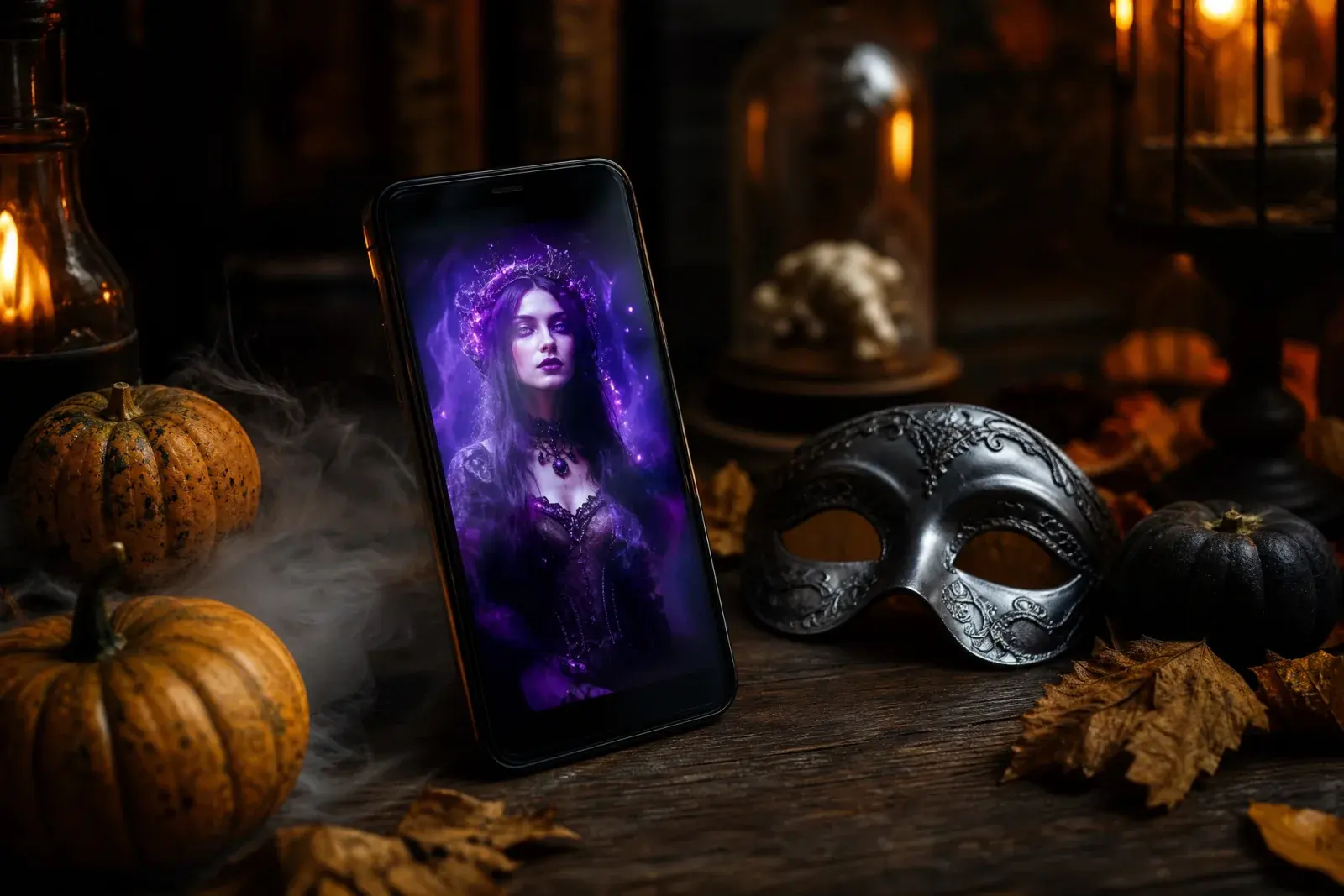
Start with a workflow
Choose the job you need to finish. The generator, editor, prompts, and video routes share the same uploaded photo and the same eight looks.
AI Halloween Costume GeneratorUpload a photo and generate an original Halloween costume portrait. Keep your face, change the outfit, then animate the result for a short video.Start with a photoHalloween Photo EditorEdit a selfie into a Halloween portrait with AI. Add makeup, costume details, fog, and cinematic light while keeping the face recognizable.Start with a photoHalloween AI Photo PromptsCopy tested Halloween AI prompts for portraits, costumes, pets, couples, and short videos. Each recipe explains what to keep and what to change.Start with a photoHalloween AI Video GeneratorAnimate a Halloween portrait into a five-second cinematic clip. Control head turns, fog, light, and camera motion with a tested image-to-video prompt.Start with a photo
Halloween looks
Eight original looks built around this year's trending costume language: gothic braids, celestial princess, sci-fi visor hero, pumpkin pet, robot, haunted mascot, liminal horror, and a cowboy-angel couple.
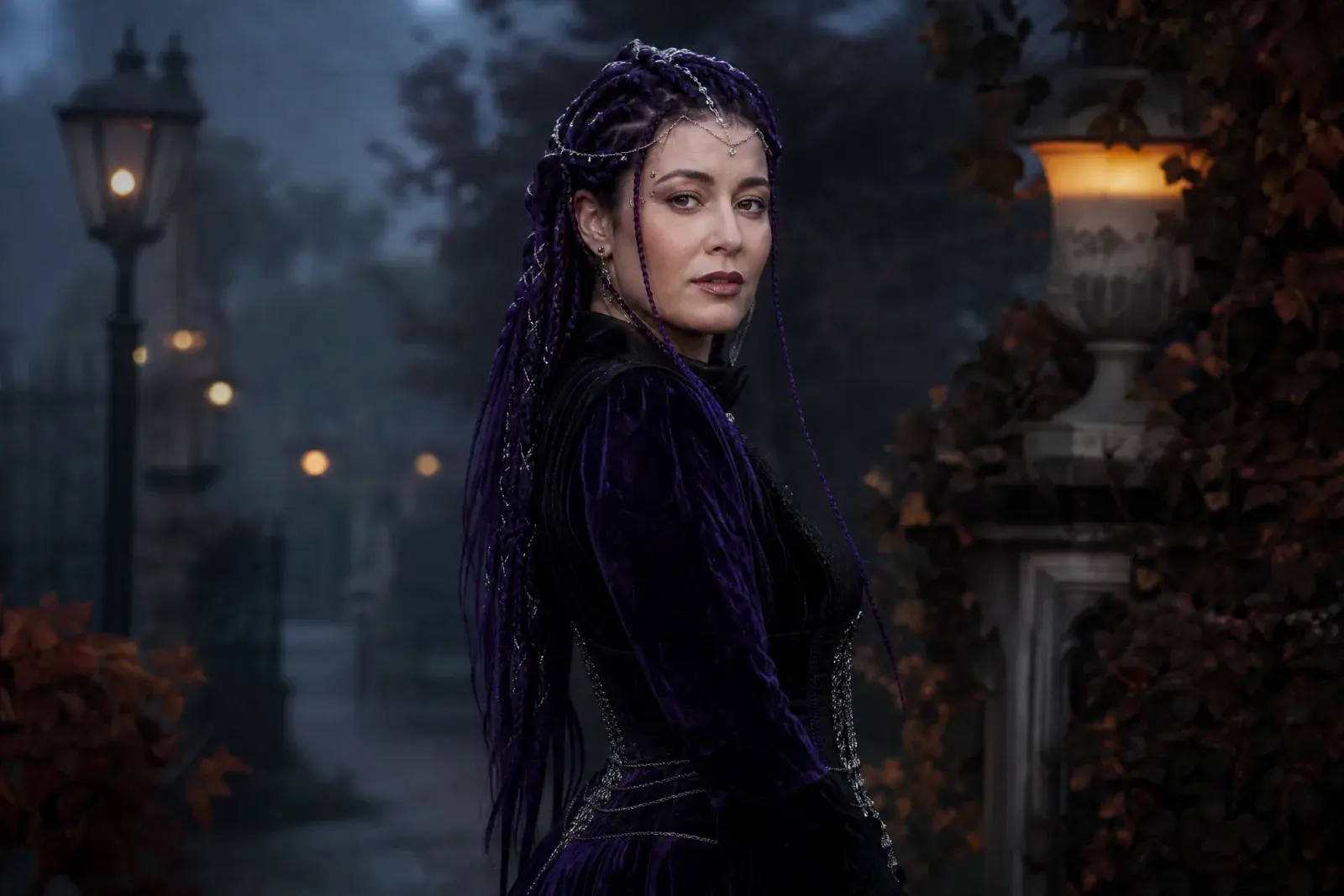
Midnight BraidsViolet braids, gothic velvet, moonlit garden.
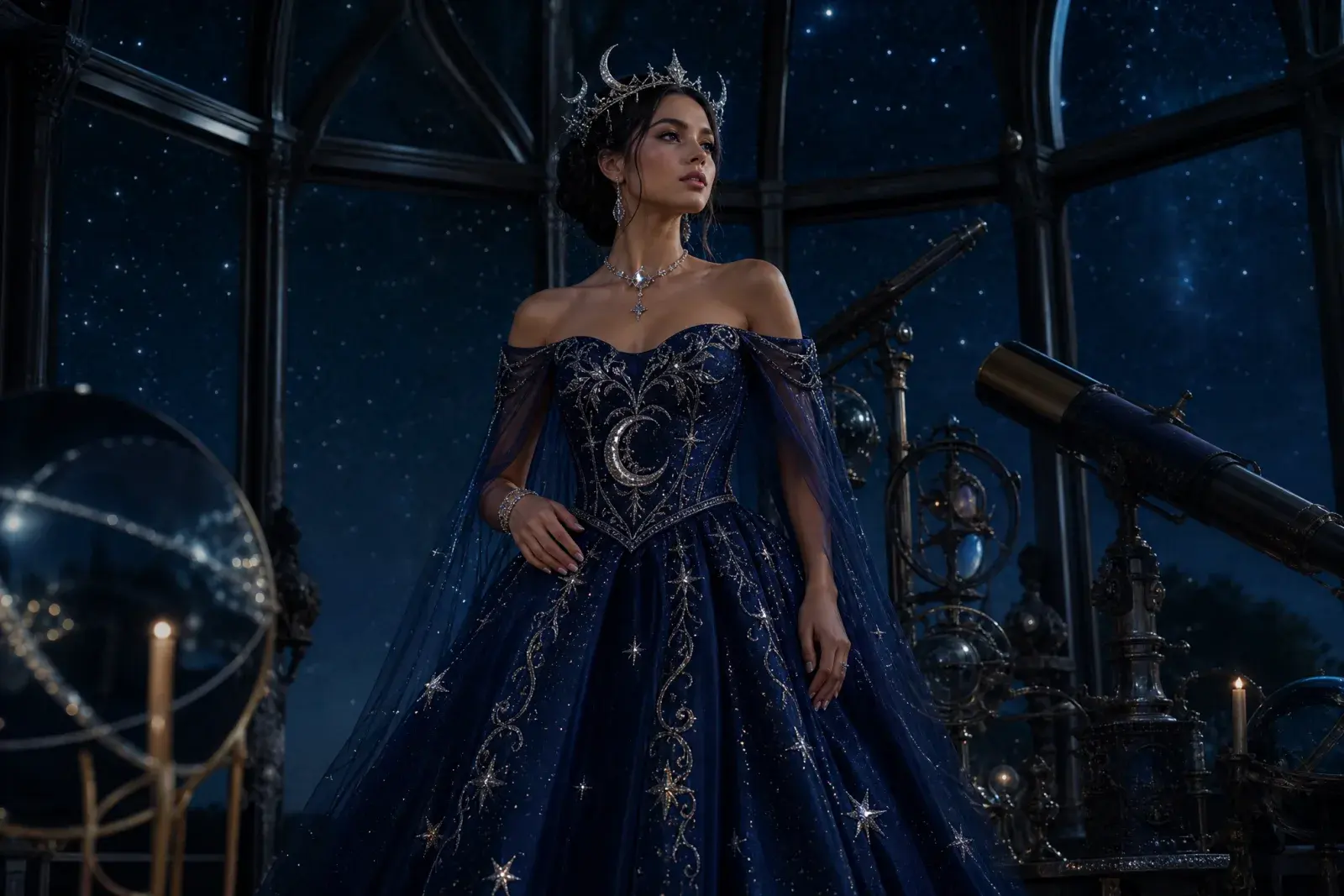
Cosmic PrincessMidnight-blue gown, silver stars, moonlit observatory.
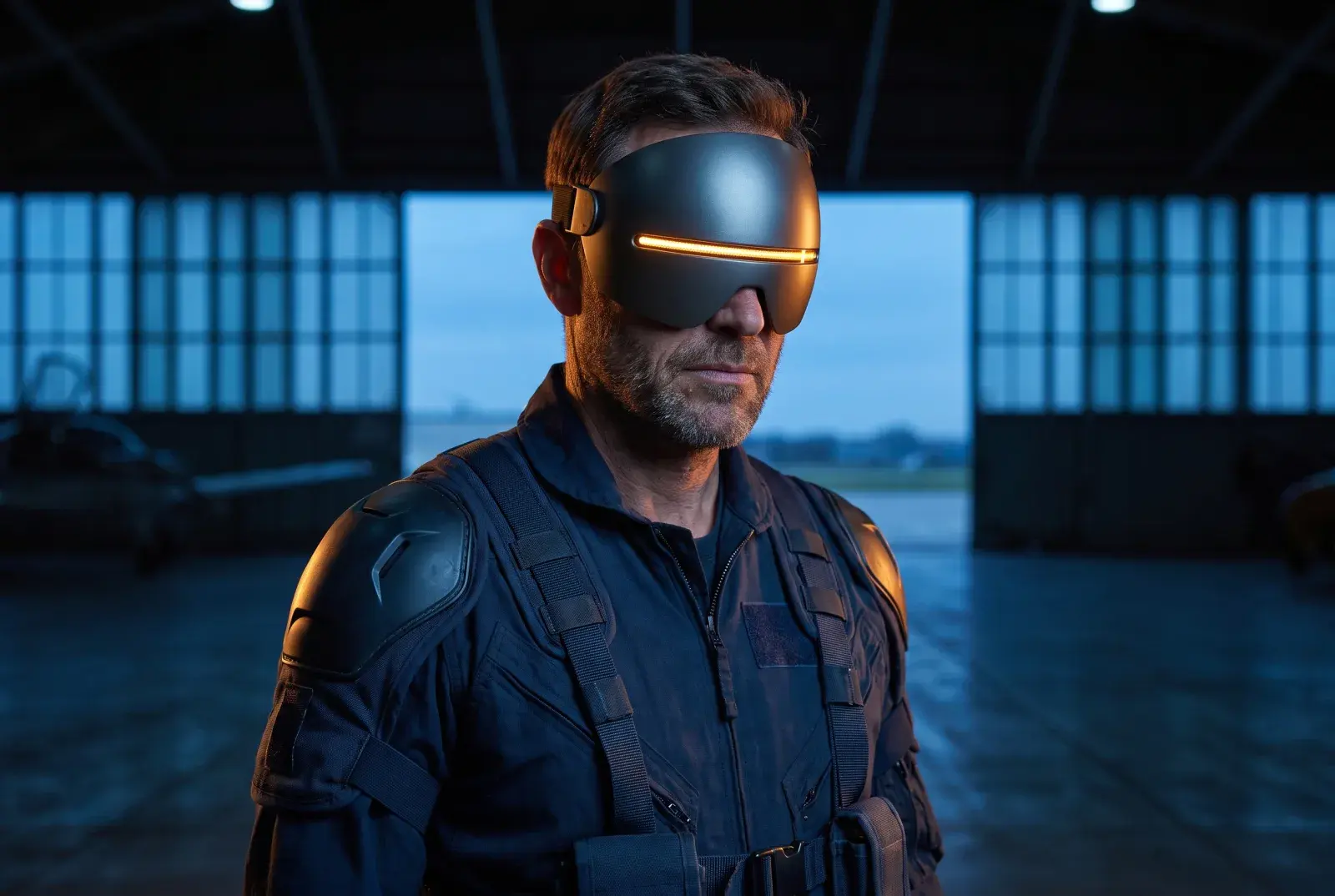
Galactic HeroSilver-blue visor, amber energy line, dark hangar.
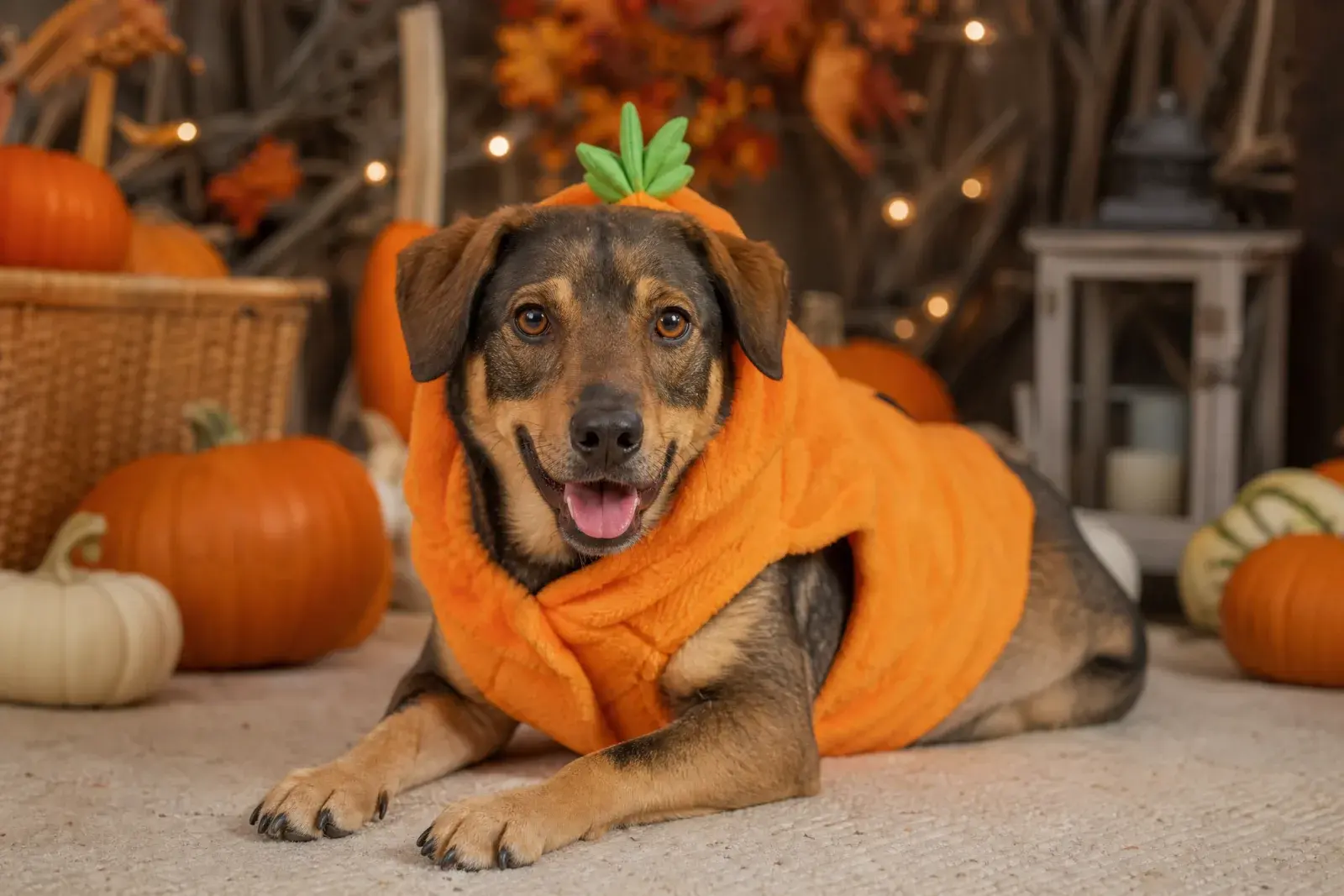
Pumpkin PetSoft pumpkin costume, autumn studio, natural fur.
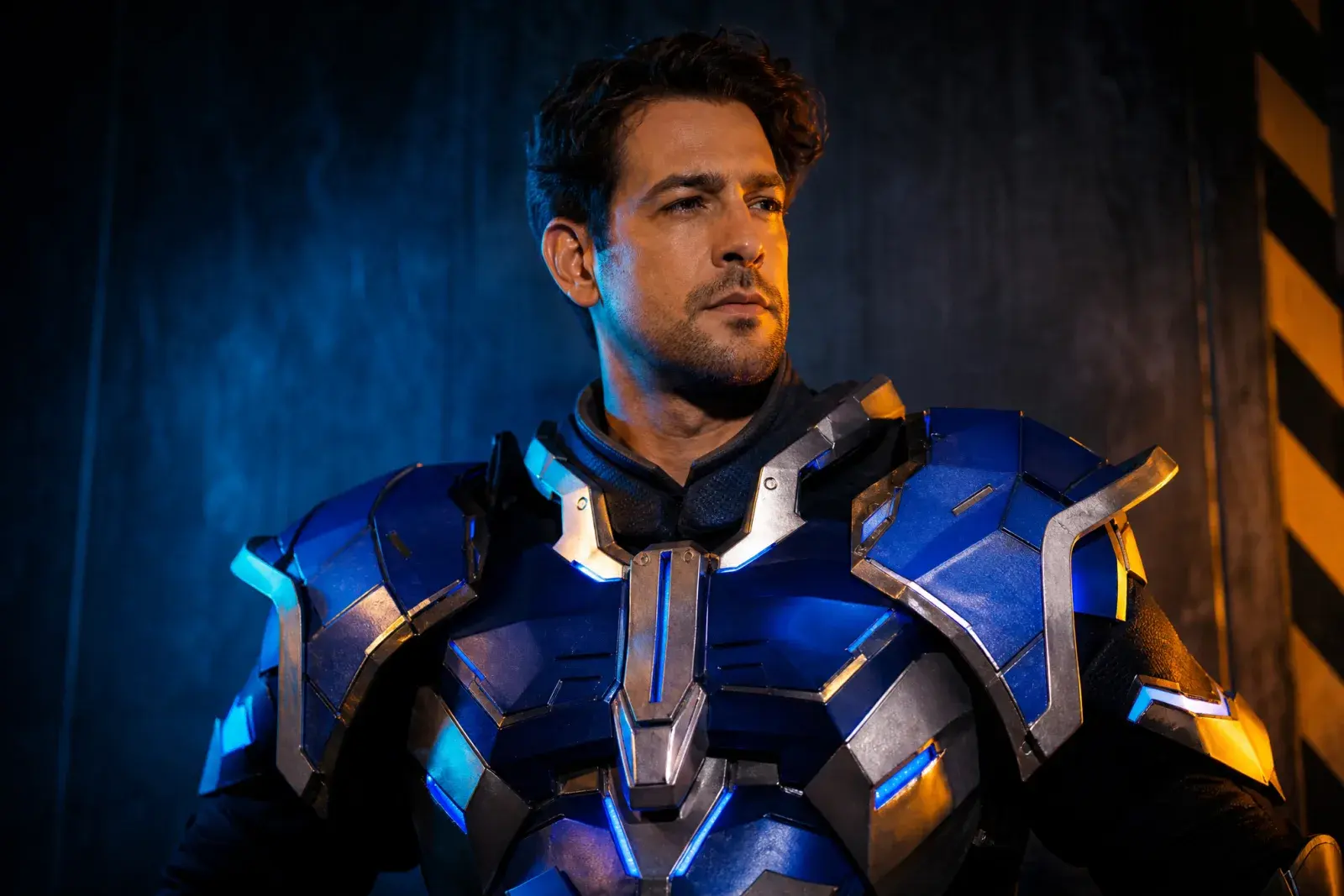
Robot CostumeWearable armor, blue LEDs, cinematic studio light.
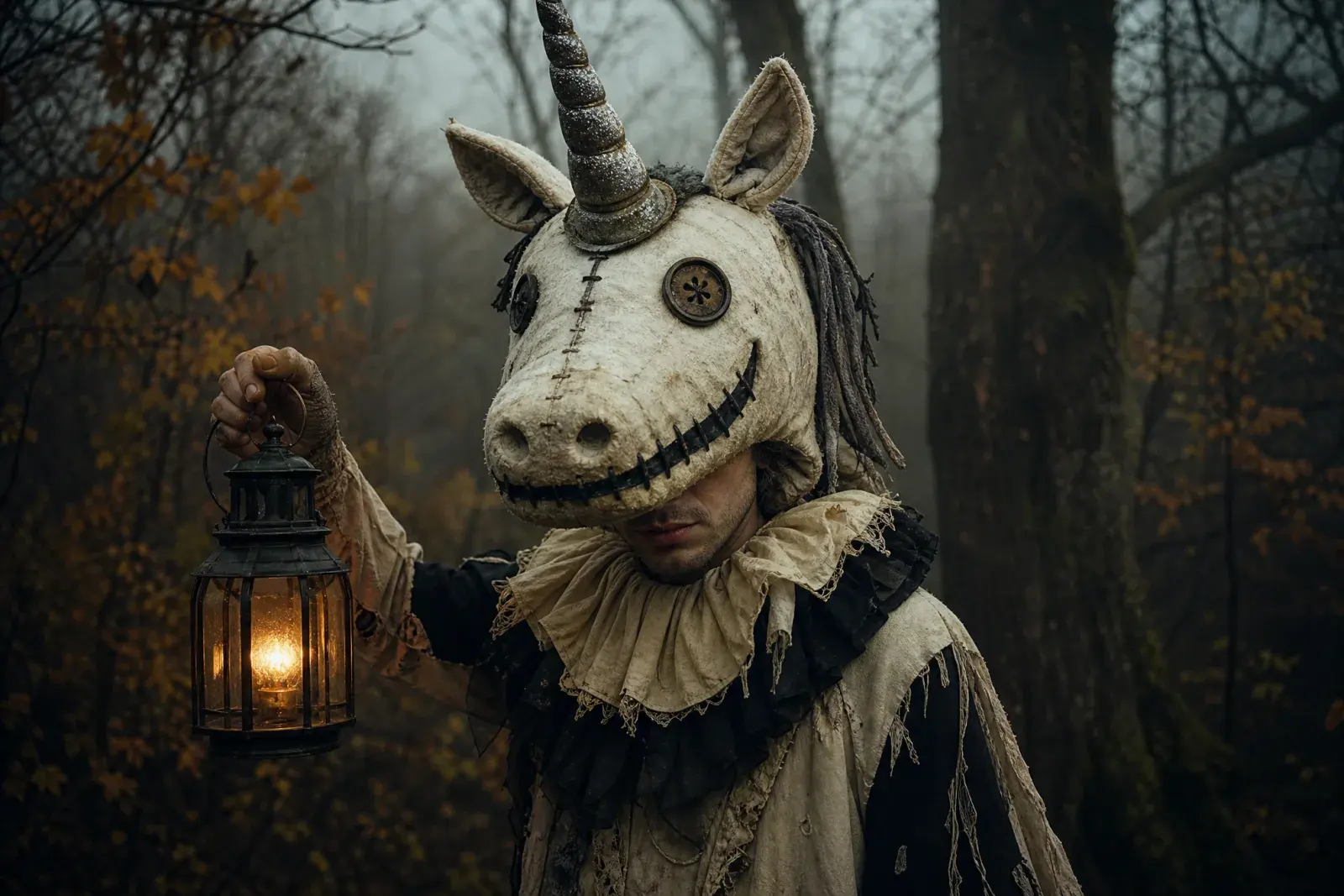
Haunted UnicornOriginal mascot costume, stitched smile, forest fog.
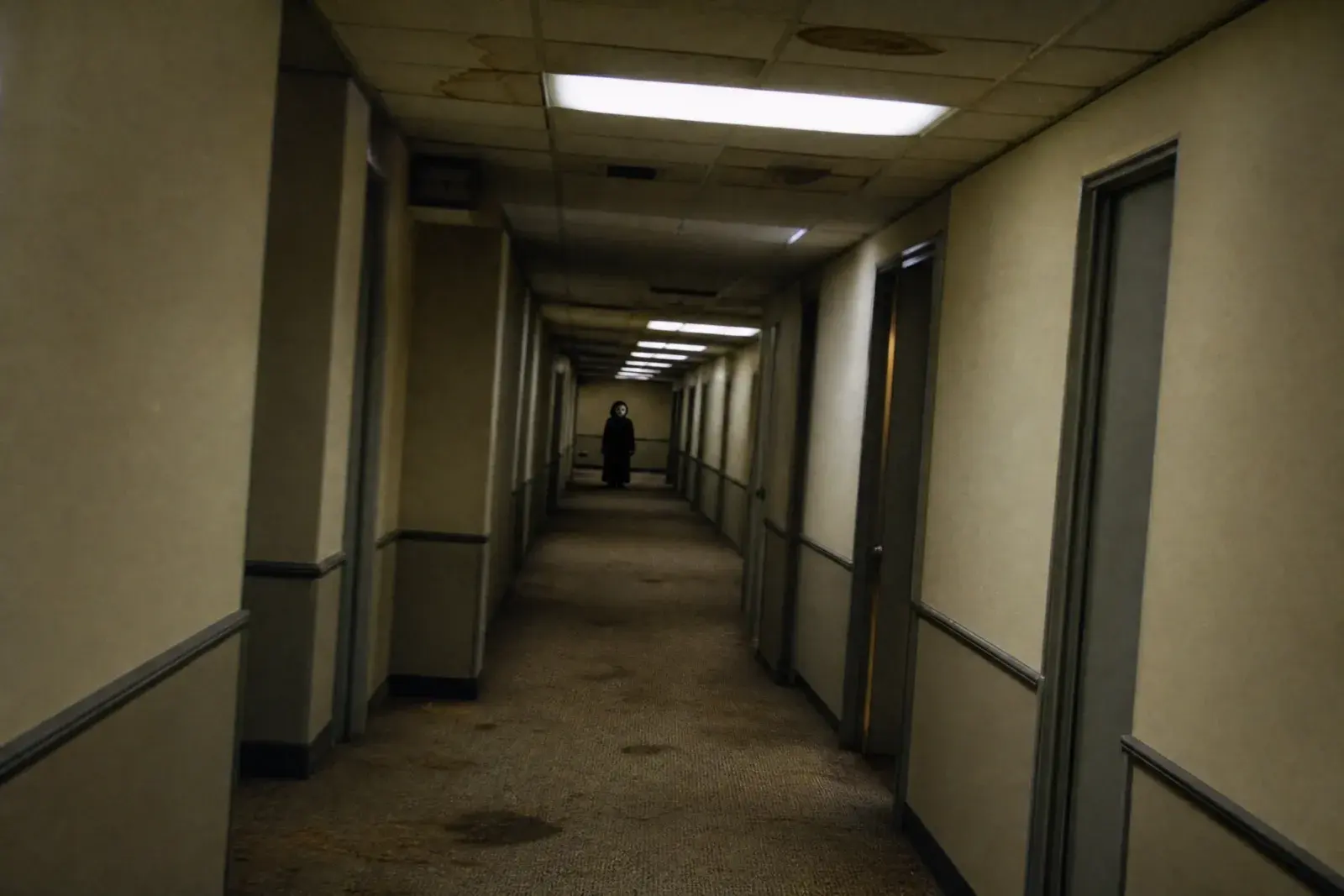
Backrooms HallwayLiminal corridor, fluorescent hum, found footage.
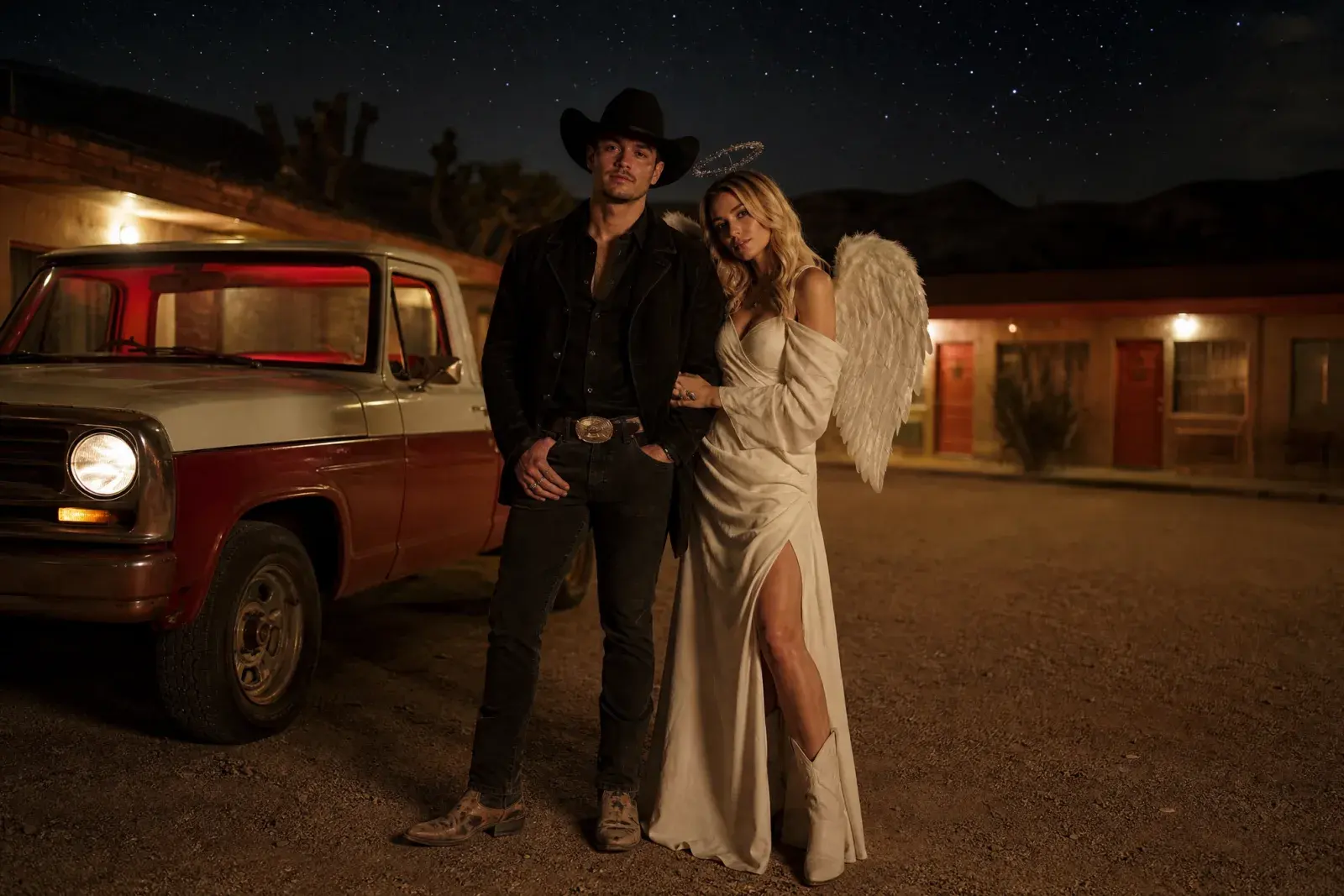
Cowboy & AngelTwo-person costume, desert neon, coordinated silhouettes.
How it works
1
Upload one clear photo
Use a front-facing photo with even light and no sunglasses. One person works best; couples need a multi-reference model.
2
Keep the identity lines
The prompt protects the face, skin tone, body proportions, and the number of people. Change the costume and scene, not the person.
3
Edit once, then animate
Generate the still first. When the face and costume look right, send that image to an image-to-video model for a five-second clip.
Prompt recipe
This is the featured Midnight Braids recipe. Every look page includes its own editable image prompt and a separate motion prompt.
Open the image generator, upload your photo, and keep the identity-preservation lines intact. The prompt is written for an image-editing model, not a generic text-to-image prompt.
Use the uploaded photo as the primary reference. Preserve the subject's recognizable facial identity, facial proportions, skin tone, approximate age and natural anatomy. Transform the subject into an original gothic Halloween fashion portrait. Change the hairstyle into long violet braids decorated with delicate silver hair accessories. Replace the clothing with an elegant black-and-purple velvet outfit featuring subtle lace and metallic details. Place the subject in a moonlit Victorian garden with soft fog, glowing lanterns and dark autumn foliage. Use photorealistic editorial photography, realistic fabric textures, natural skin details and cinematic soft lighting. Keep the same number of people as the uploaded photo. Avoid altered facial identity, extra limbs, duplicated fingers, distorted anatomy, text, logos and watermarks.
Model routing
Each look can run on more than one model. Start with an identity-first model, then compare a scene-first edit when you need a stronger costume or background.
KIENano Banana ProFace and identity preservation
Image editKIESeedream 4.5 EditCostume, fabric and scene changes
Image editKIEFLUX KontextCostume, fabric and scene changes
Image editKIEGPT-4o Image EditCostume, fabric and scene changes
Image editKIEKling 2.1 ProShort cinematic motion
Image to videoKIEVeo 3.1 FastShort cinematic motion
Image to videoKIESeedance 1.5 ProShort cinematic motion
Image to videoKIESora 2 CharactersShort cinematic motion
Image to videoQuestions
What can I make with the Halloween studio?+
You can generate a costume portrait from a text prompt, edit an existing selfie into a Halloween look, or animate a finished portrait into a short video. The eight looks are starting points; the prompt box stays editable.
Do I need a costume or a studio?+
No. The image model builds the costume, lighting, and background around your uploaded photo. A clear, front-facing photo gives the most reliable identity preservation.
Which models are used?+
The one-click routes use KIE models: Nano Banana Pro, Seedream 4.5 Edit, FLUX Kontext, GPT-4o Image Edit, Kling 2.1 Pro, Veo 3.1 Fast, Seedance 1.5 Pro, and Sora 2 Characters. WaveSpeed, Fal, and Replicate models are also connected in the model catalog; switch providers there before you spend credits.
AI Halloween Studio for Costumes, Photos and Videos
Generate the still first. When the face and costume look right, send that image to an image-to-video model for a five-second clip.
Original AI interpretations. Vidle is not affiliated with film, game, or costume rights holders. Only upload photos of people who have given you permission.