Photo edit
Halloween Photo Editor
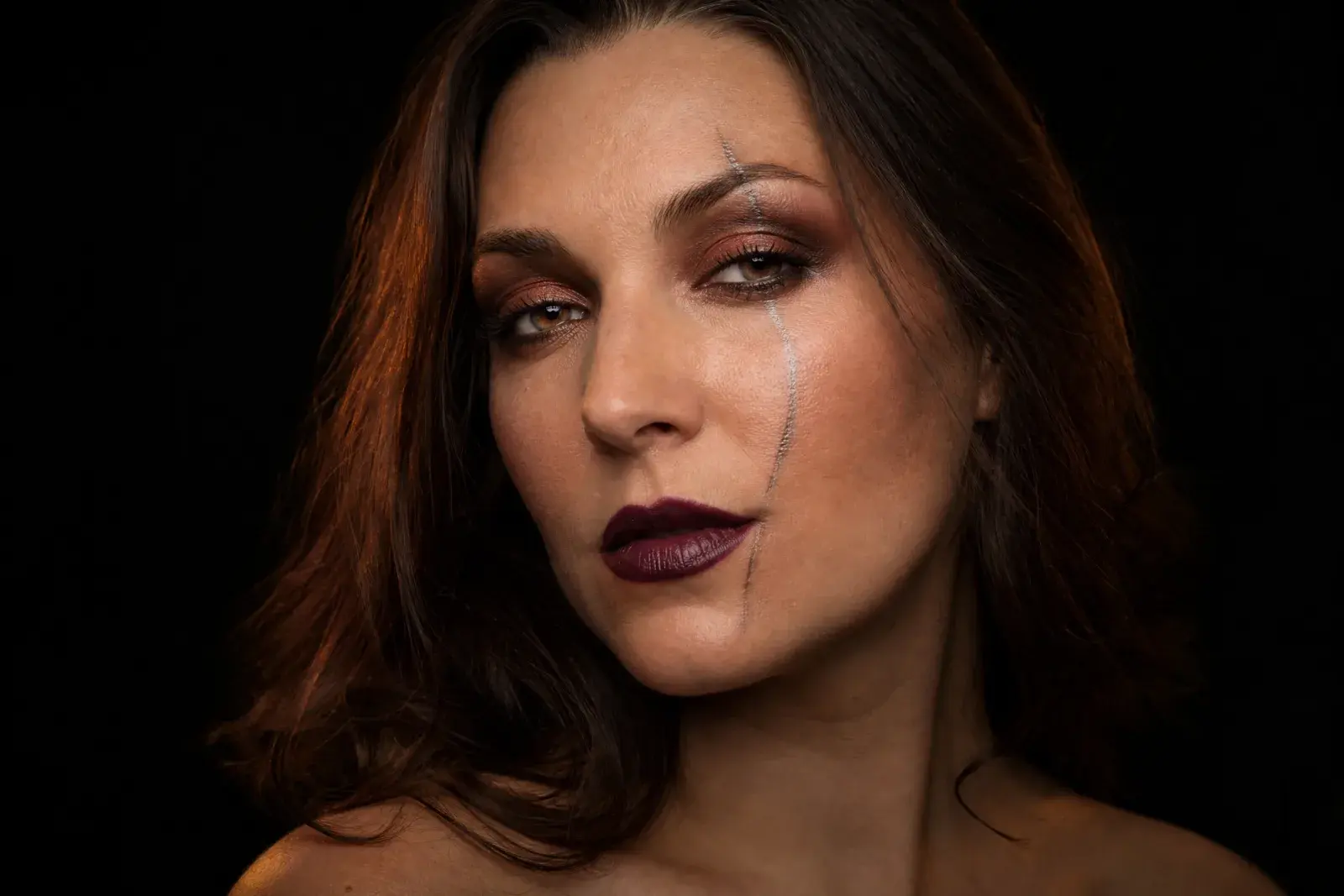
This is the controlled route: keep the photo, change only the parts you want. Add editorial makeup, a costume detail, a new background, or a cinematic color grade without turning the face into a different person.
- Targeted edits instead of a full restyle
- Makeup, costume, background, and light controls
- A safer route when the face must stay recognizable
Updated October 20, 2026
Related Halloween looks
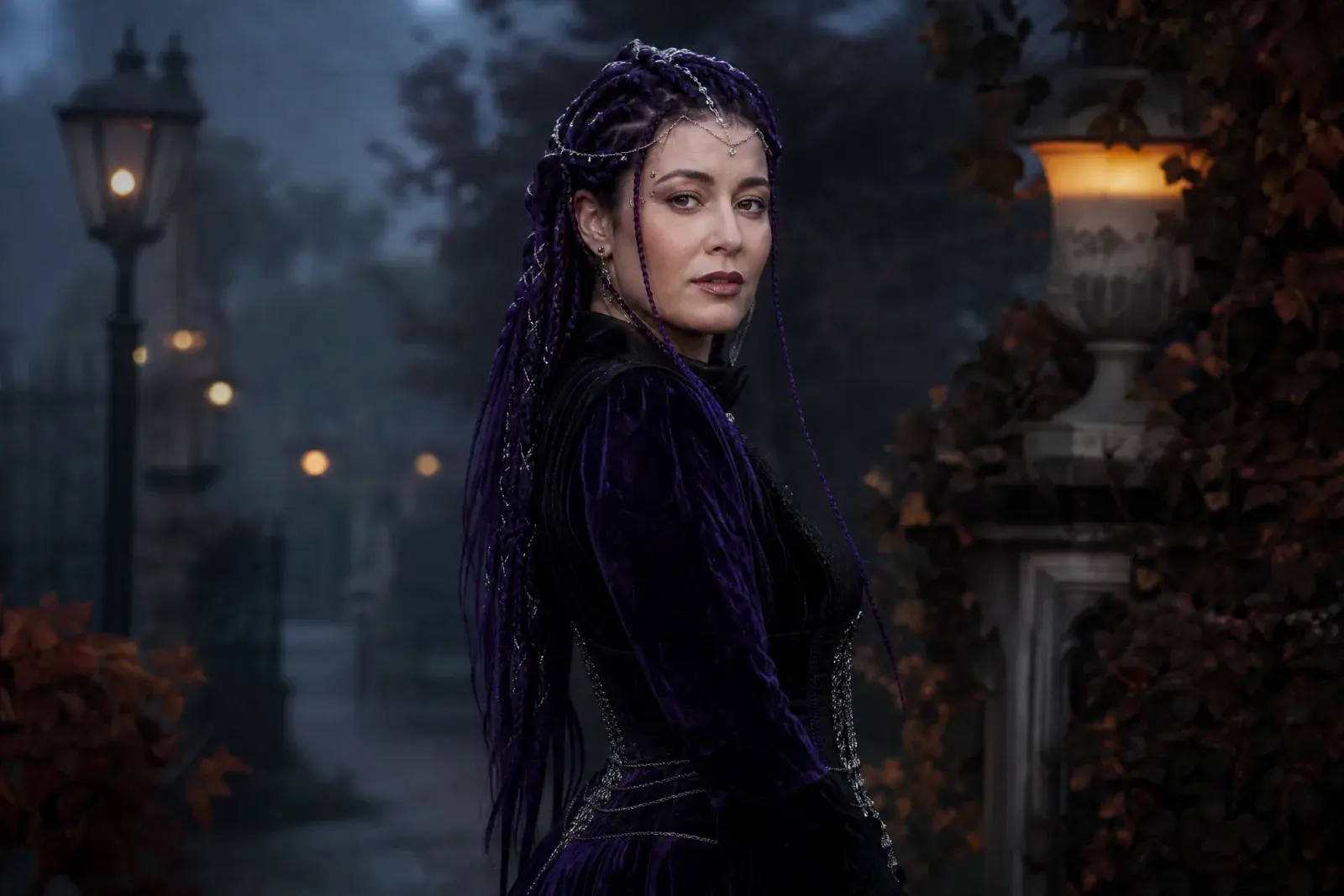
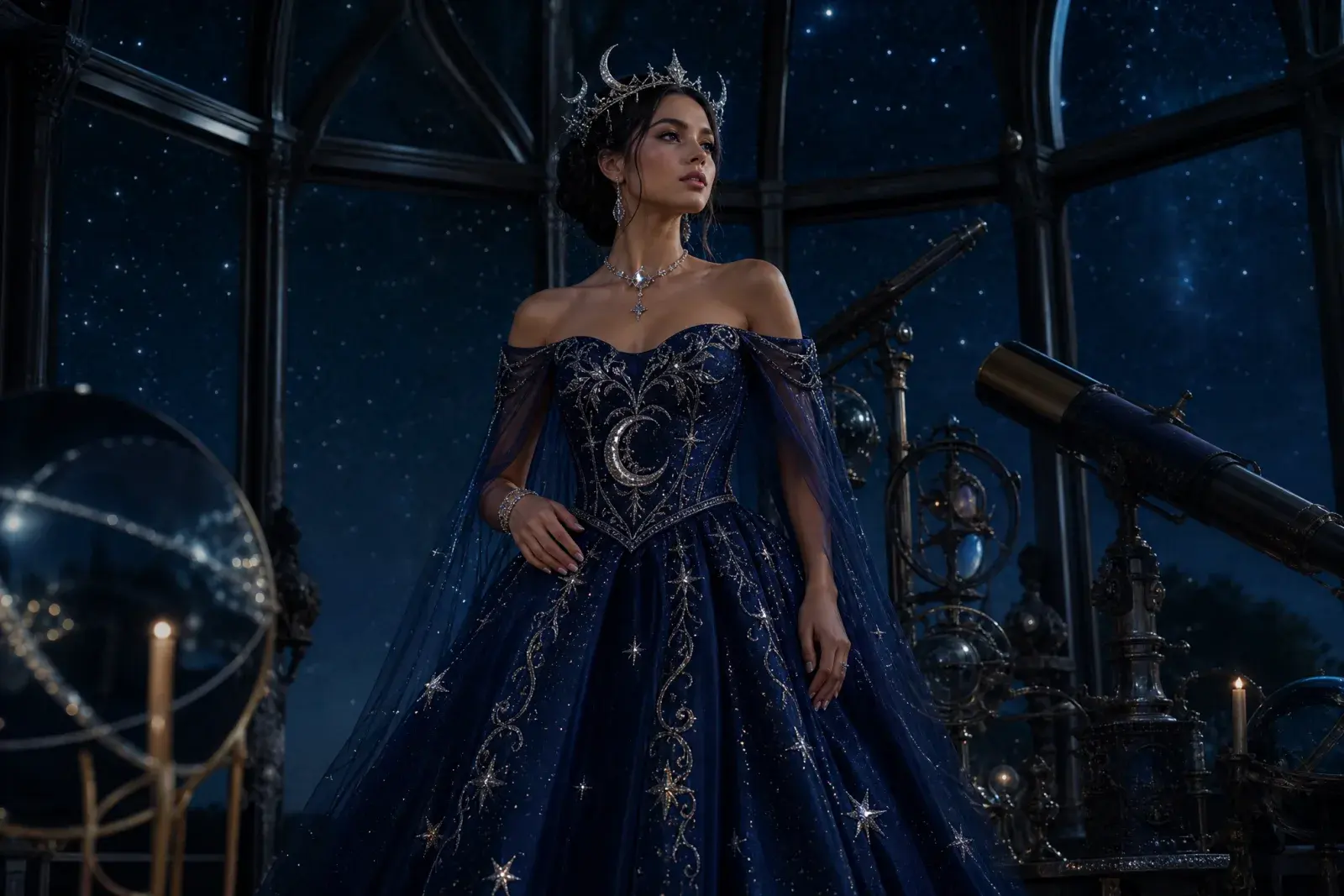
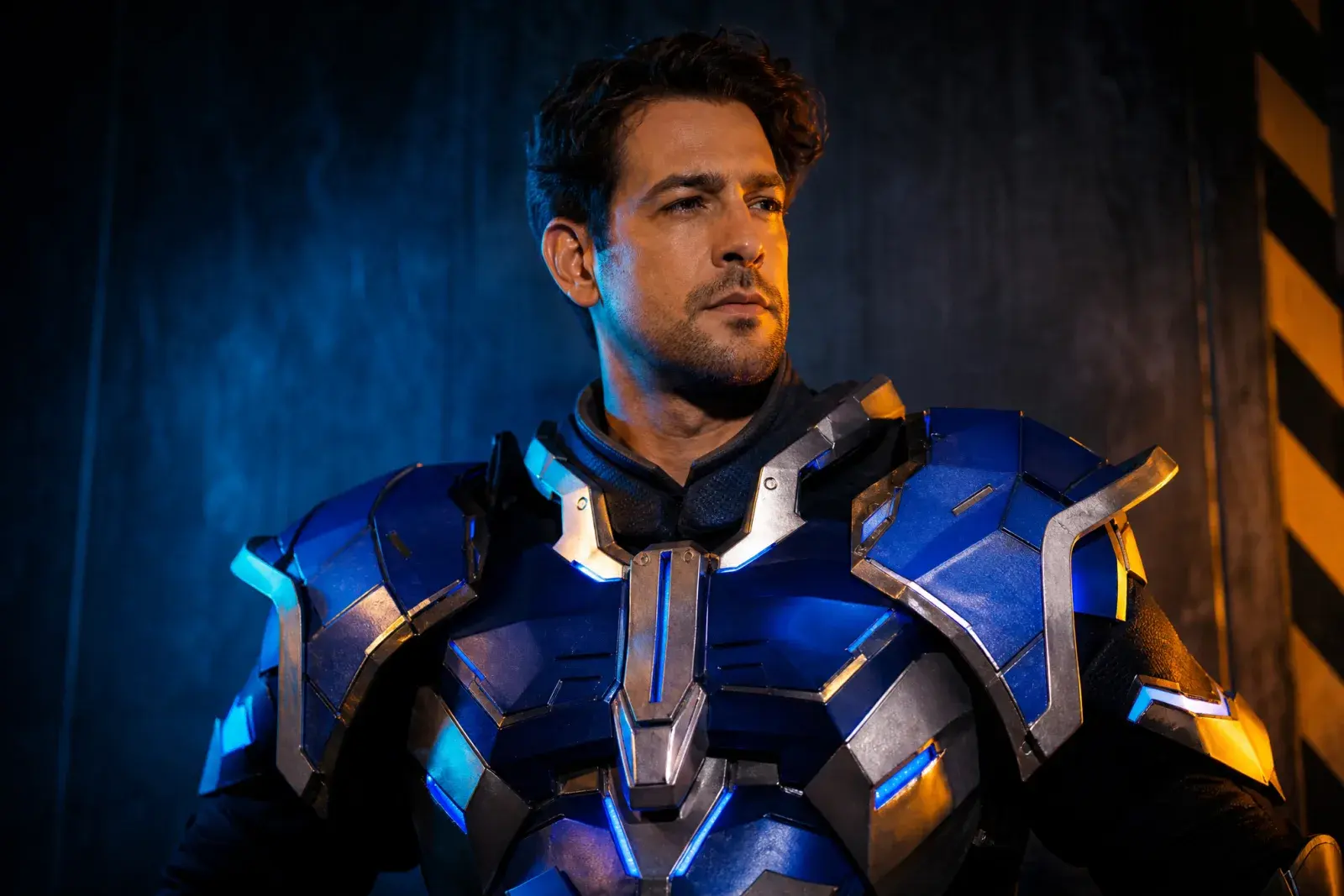
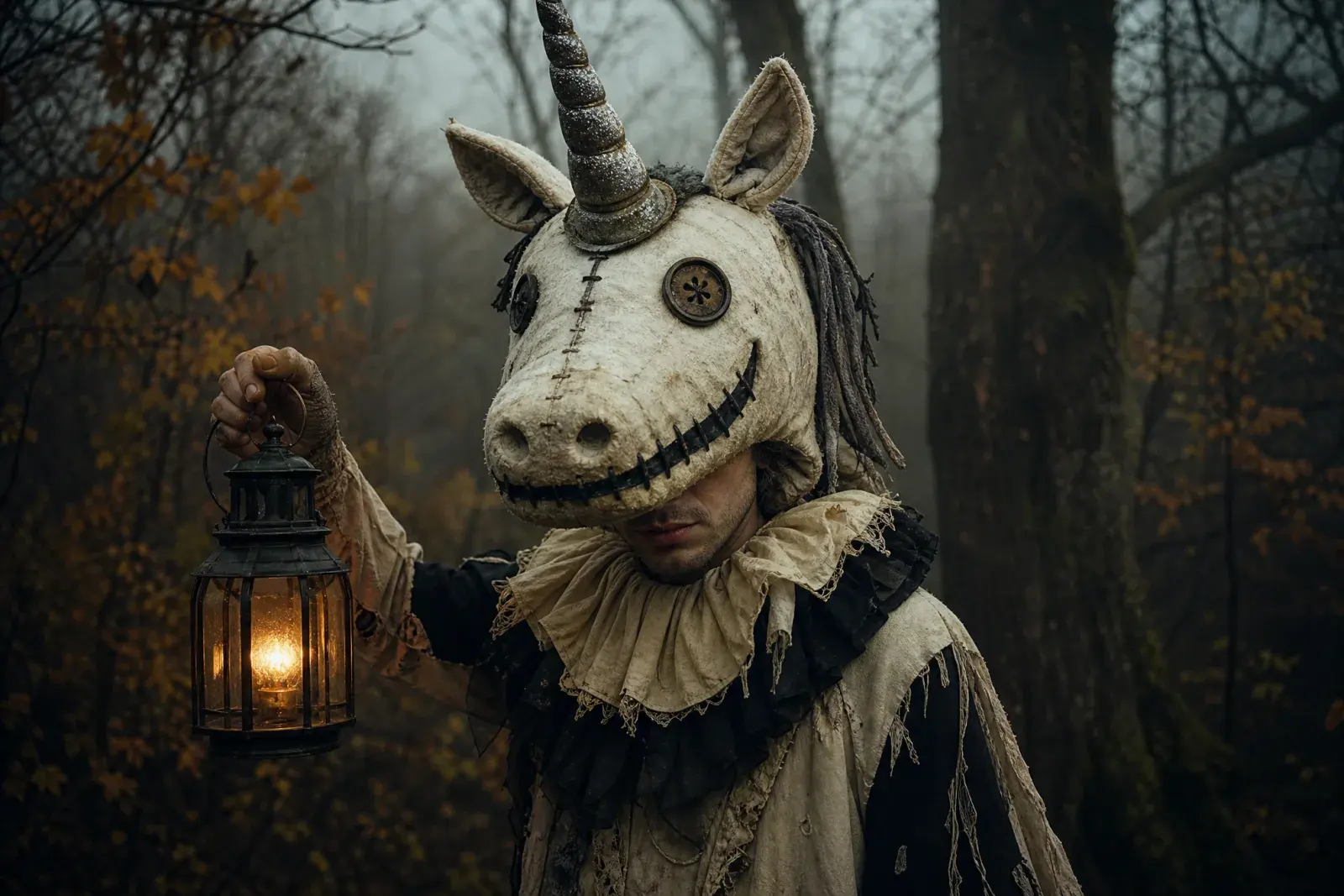
Eight original looks built around this year's trending costume language: gothic braids, celestial princess, sci-fi visor hero, pumpkin pet, robot, haunted mascot, liminal horror, and a cowboy-angel couple.
How it works
1
Upload one clear photo
Use a front-facing photo with even light and no sunglasses. One person works best; couples need a multi-reference model.
2
Keep the identity lines
The prompt protects the face, skin tone, body proportions, and the number of people. Change the costume and scene, not the person.
3
Edit once, then animate
Generate the still first. When the face and costume look right, send that image to an image-to-video model for a five-second clip.
Prompt recipe
This editor prompt is intentionally narrow. Change one visual layer at a time and compare the result before adding another.
Open the image generator, upload your photo, and keep the identity-preservation lines intact. The prompt is written for an image-editing model, not a generic text-to-image prompt.
Using the uploaded photo as reference, transform the subject into a futuristic Halloween robot costume portrait. Preserve the subject's recognizable face, skin tone, head proportions and original pose. Create a realistic wearable robot costume featuring metallic-looking armor panels, subtle blue LED accents and articulated shoulder pieces. The outfit should look like a believable costume worn by a real person, not a completely new mechanical character. Use dramatic blue-and-orange cinematic studio lighting and realistic material reflections. Do not replace the subject's face with a robot head. Avoid extra limbs, distorted hands, duplicated body parts, logos and text.
Model routing
Each look can run on more than one model. Start with an identity-first model, then compare a scene-first edit when you need a stronger costume or background.
KIENano Banana ProFace and identity preservation
Image editKIESeedream 4.5 EditCostume, fabric and scene changes
Image editKIEFLUX KontextCostume, fabric and scene changes
Image editKIEGPT-4o Image EditCostume, fabric and scene changes
Image editKIEKling 2.1 ProShort cinematic motion
Image to videoKIEVeo 3.1 FastShort cinematic motion
Image to videoKIESeedance 1.5 ProShort cinematic motion
Image to videoKIESora 2 CharactersShort cinematic motion
Image to videoQuestions
Can I change only the background?+
Yes. Describe the new background and explicitly say that the face, hair, clothing, and pose must stay unchanged. Targeted prompts work better than a long list of unrelated changes.
Can I add Halloween makeup without a costume?+
Yes. Ask for specific makeup details such as smoked copper eyeshadow, a thin silver scar line, or dark berry lips, and keep the skin texture natural.
Why does the result sometimes over-edit?+
Image models can drift when a prompt asks for too many changes at once. Split the work into two passes: identity and face first, then costume and scene.
Halloween Photo Editor
Generate the still first. When the face and costume look right, send that image to an image-to-video model for a five-second clip.
Original AI interpretations. Vidle is not affiliated with film, game, or costume rights holders. Only upload photos of people who have given you permission.