Image to video
Halloween AI Video Generator
Generate the still first, then animate it. Short, restrained motion works best: a head turn, drifting fog, a light pulse, or a slow push-in. That keeps the face and costume stable.
- Five-second clips from a finished portrait
- Motion prompts for head turns, fog, and light
- Kling, Wan, and Fal routes in one workspace
Updated October 20, 2026
Related Halloween looks
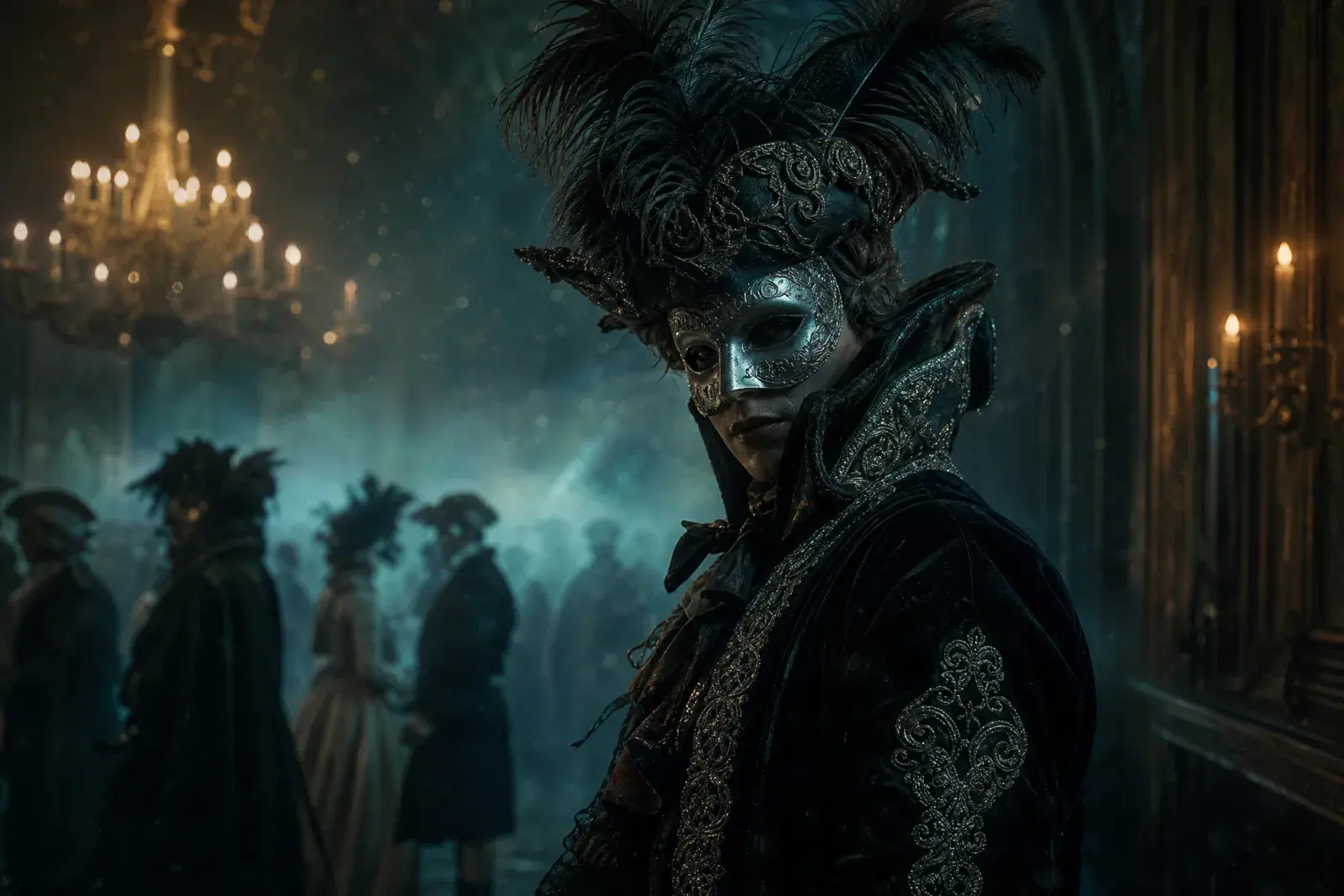
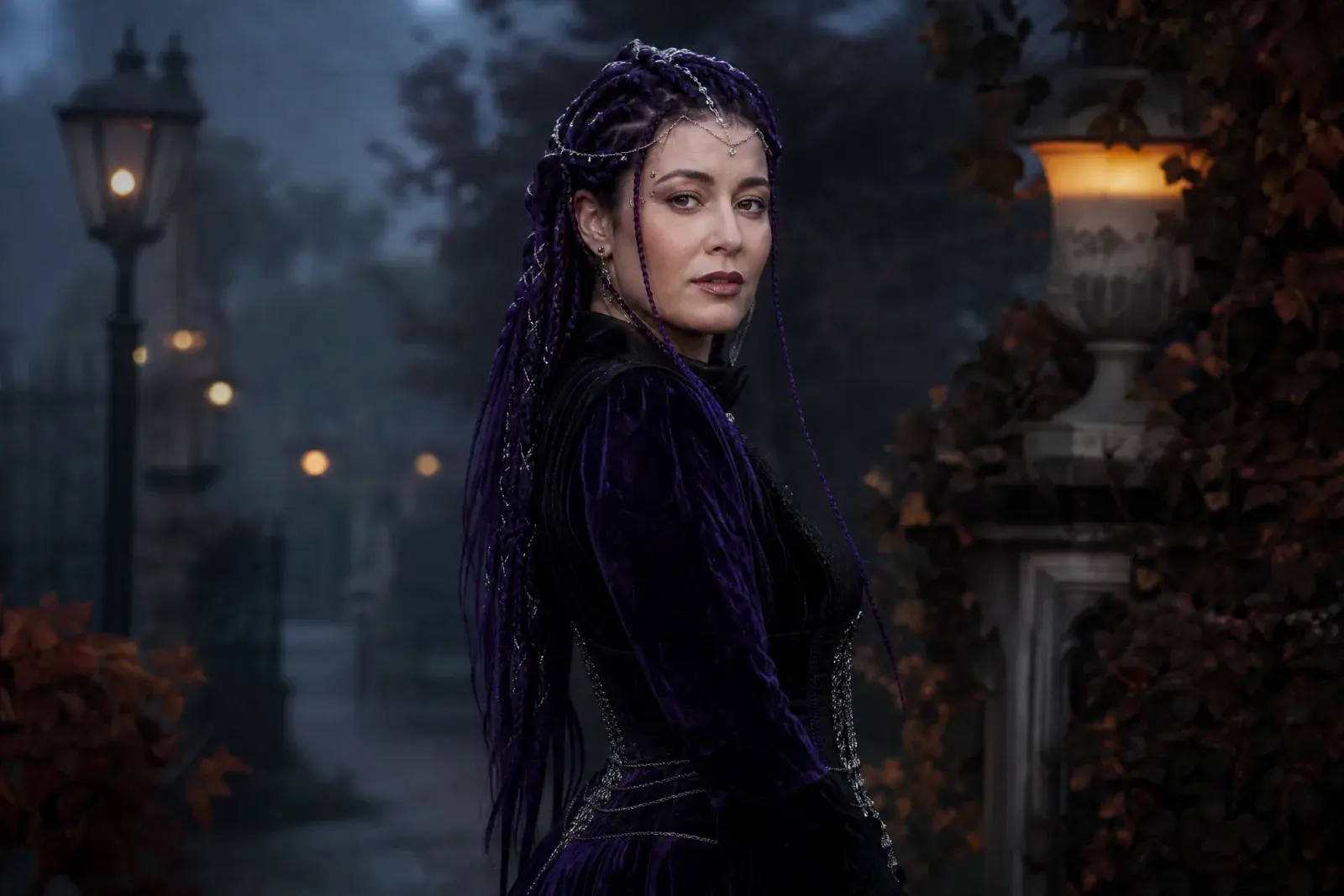
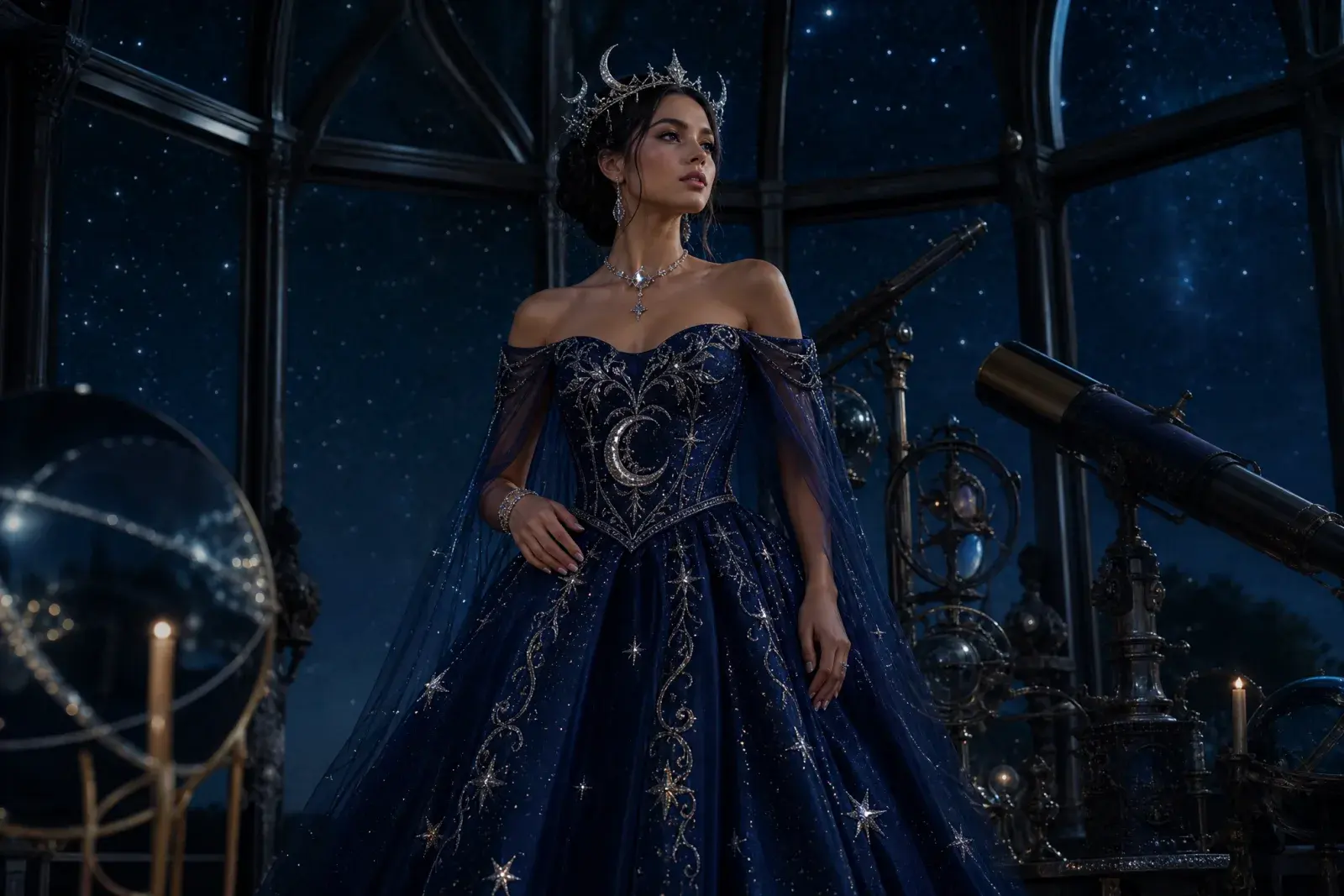
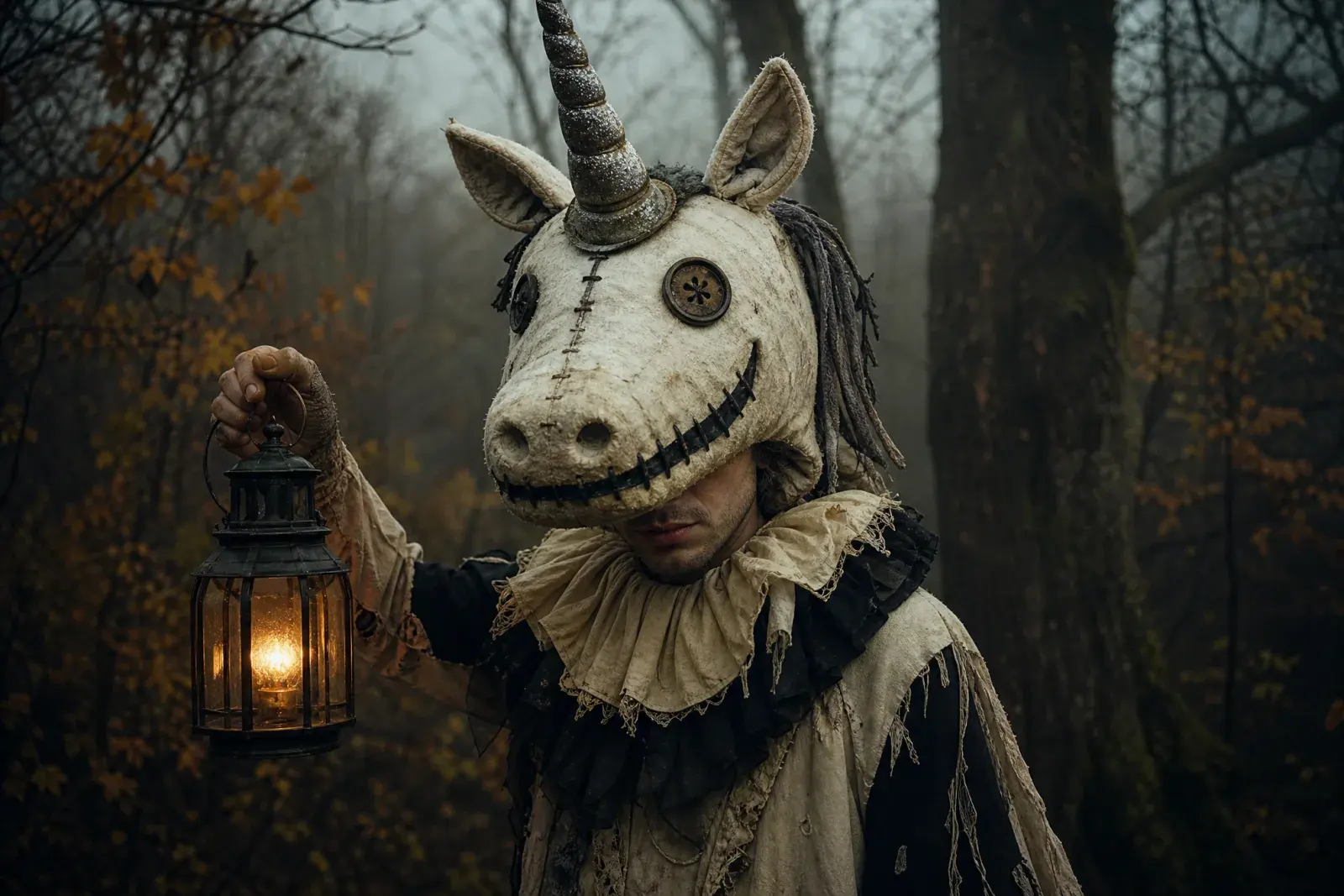
Eight original looks built around this year's trending costume language: gothic braids, celestial princess, sci-fi visor hero, pumpkin pet, robot, haunted mascot, liminal horror, and a cowboy-angel couple.
How it works
1
Upload one clear photo
Use a front-facing photo with even light and no sunglasses. One person works best; couples need a multi-reference model.
2
Keep the identity lines
The prompt protects the face, skin tone, body proportions, and the number of people. Change the costume and scene, not the person.
3
Edit once, then animate
Generate the still first. When the face and costume look right, send that image to an image-to-video model for a five-second clip.
Prompt recipe
Use this motion prompt after the still looks right. Keep the identity and costume lines; change only the motion and camera direction.
Open the image generator, upload your photo, and keep the identity-preservation lines intact. The prompt is written for an image-editing model, not a generic text-to-image prompt.
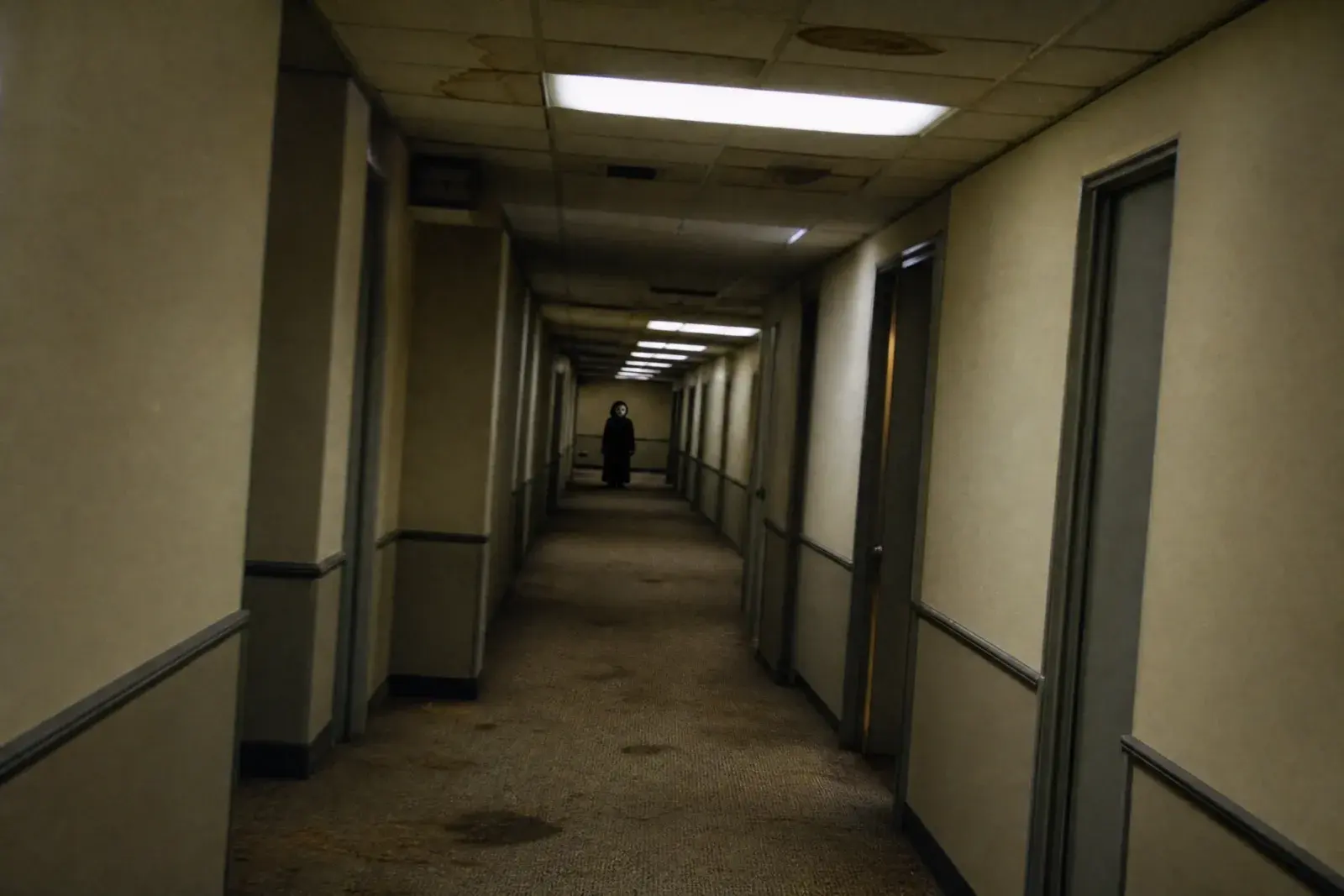
Cinematic still from an original liminal-space Halloween video: a long empty office corridor with damp beige carpet, stained ceiling tiles, buzzing fluorescent lights, and a distant figure in a simple dark costume standing at the far end. The figure is small and ambiguous, not gory. Handheld camera perspective, slight motion blur, realistic fluorescent color cast, film grain. No text, no logos, no watermark. Do not reproduce a specific film or game scene.
Model routing
Each look can run on more than one model. Start with an identity-first model, then compare a scene-first edit when you need a stronger costume or background.
KIENano Banana ProFace and identity preservation
Image editKIESeedream 4.5 EditCostume, fabric and scene changes
Image editKIEFLUX KontextCostume, fabric and scene changes
Image editKIEGPT-4o Image EditCostume, fabric and scene changes
Image editKIEKling 2.1 ProShort cinematic motion
Image to videoKIEVeo 3.1 FastShort cinematic motion
Image to videoKIESeedance 1.5 ProShort cinematic motion
Image to videoKIESora 2 CharactersShort cinematic motion
Image to videoQuestions
Should I animate the original photo or the generated image?+
Animate the generated image. The costume and scene are already resolved, so the video model only has to handle motion instead of inventing the look and the movement at the same time.
What motion is easiest to control?+
Start with a slight head turn, a blink, drifting fog, or a slow camera push. Avoid walking, hand gestures, and fast camera moves until the first clip is stable.
Why does the face change between frames?+
Long or complex motion gives the model more chances to drift. Shorten the clip, simplify the prompt, and repeat the identity constraint in the motion prompt.
Halloween AI Video Generator
Generate the still first. When the face and costume look right, send that image to an image-to-video model for a five-second clip.
Original AI interpretations. Vidle is not affiliated with film, game, or costume rights holders. Only upload photos of people who have given you permission.