Template 03
Casal no Charme AI Dance Template
A partner-dance read, not two people dancing alone. The couple stays close, the crowd fills the frame, and the camera circles at shoulder height.
- Couple-first composition
- Close partner-dance frame
- Works with one couple photo
Updated October 20, 2026
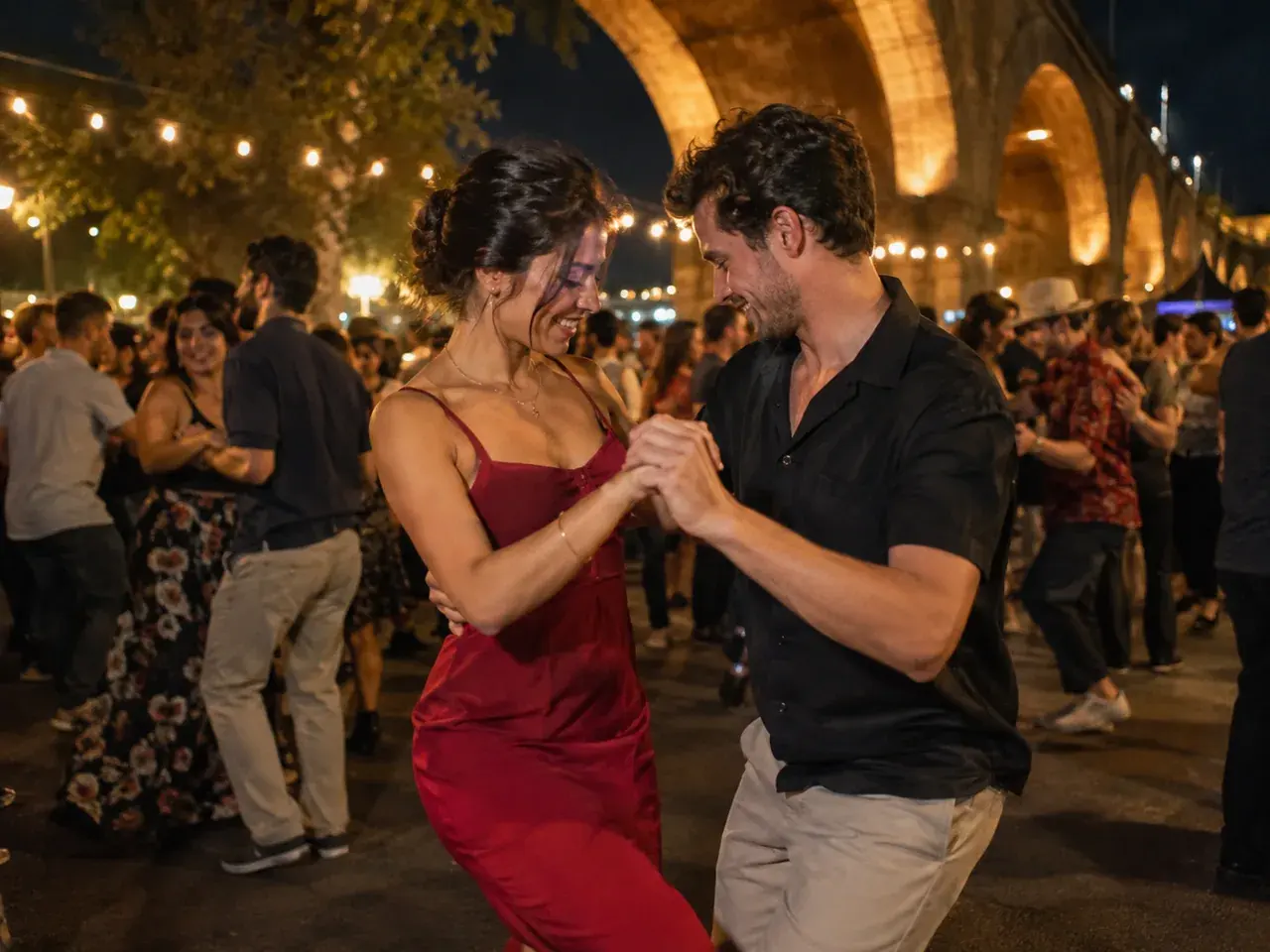
Related charme dance templates
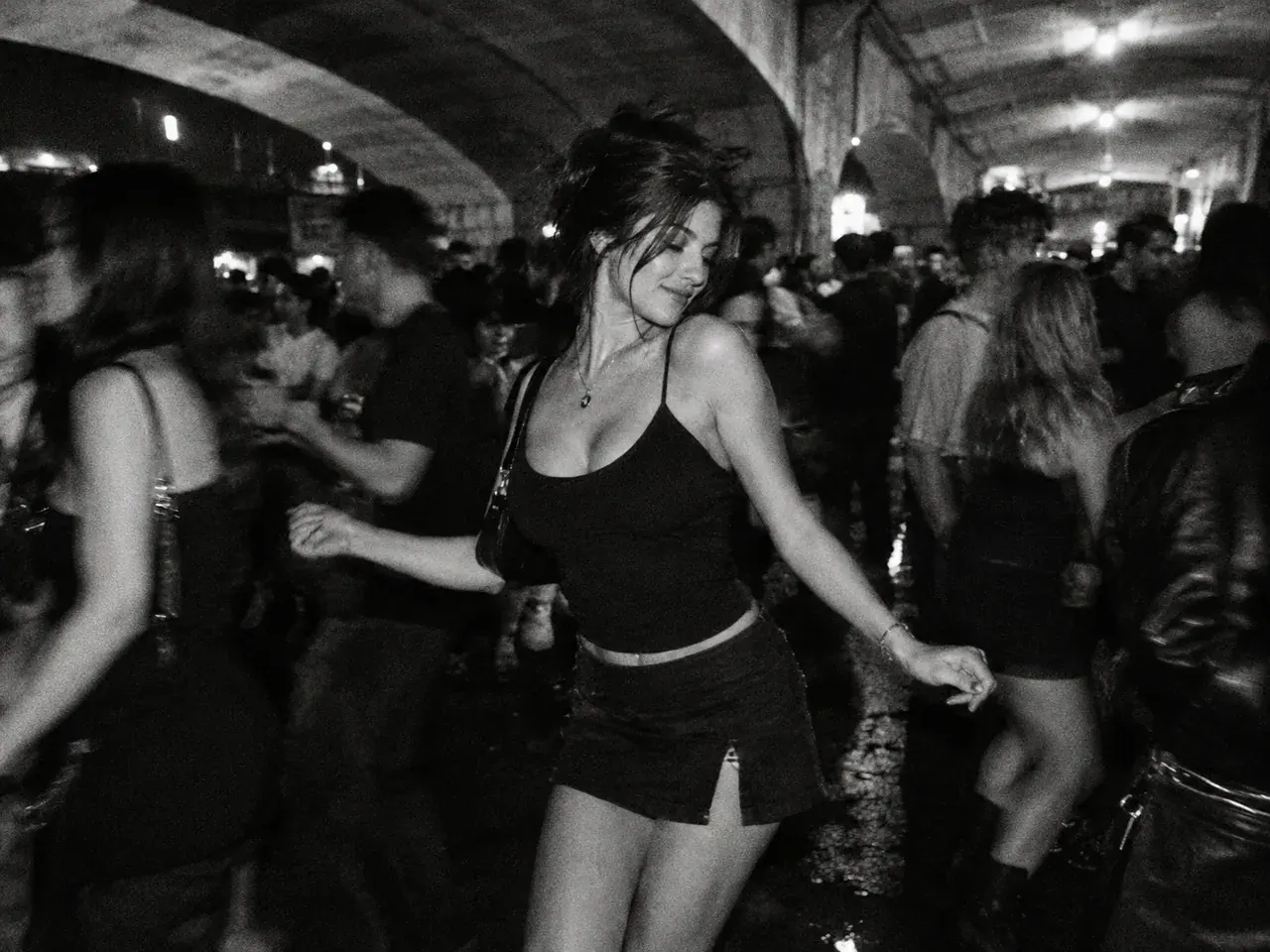
Six original baile charme templates built around the trend’s visual language: the packed viaduct crowd, the side-step, the friend, the couple, the older dancer, black-and-white film, and the 80s action remix.
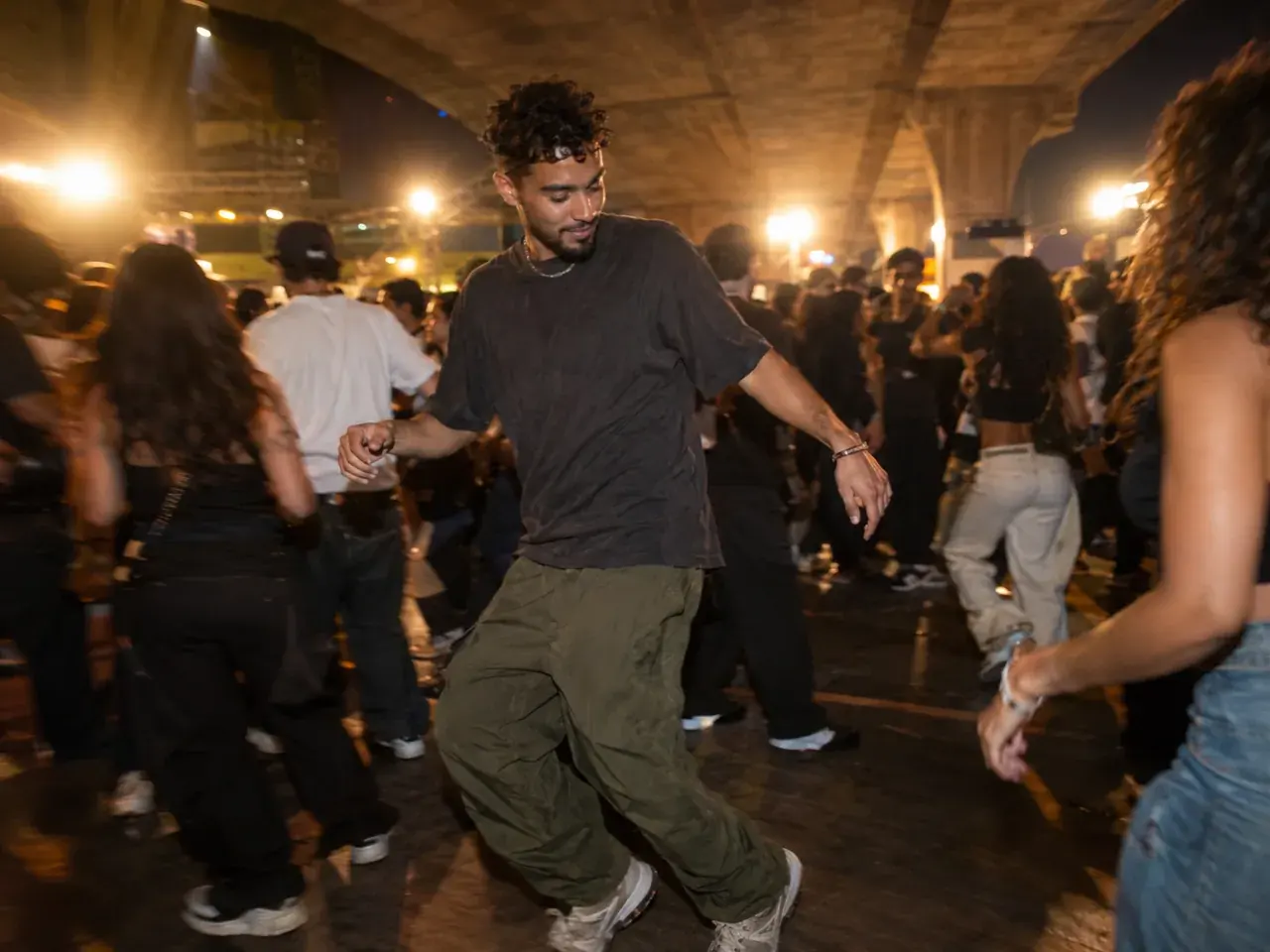
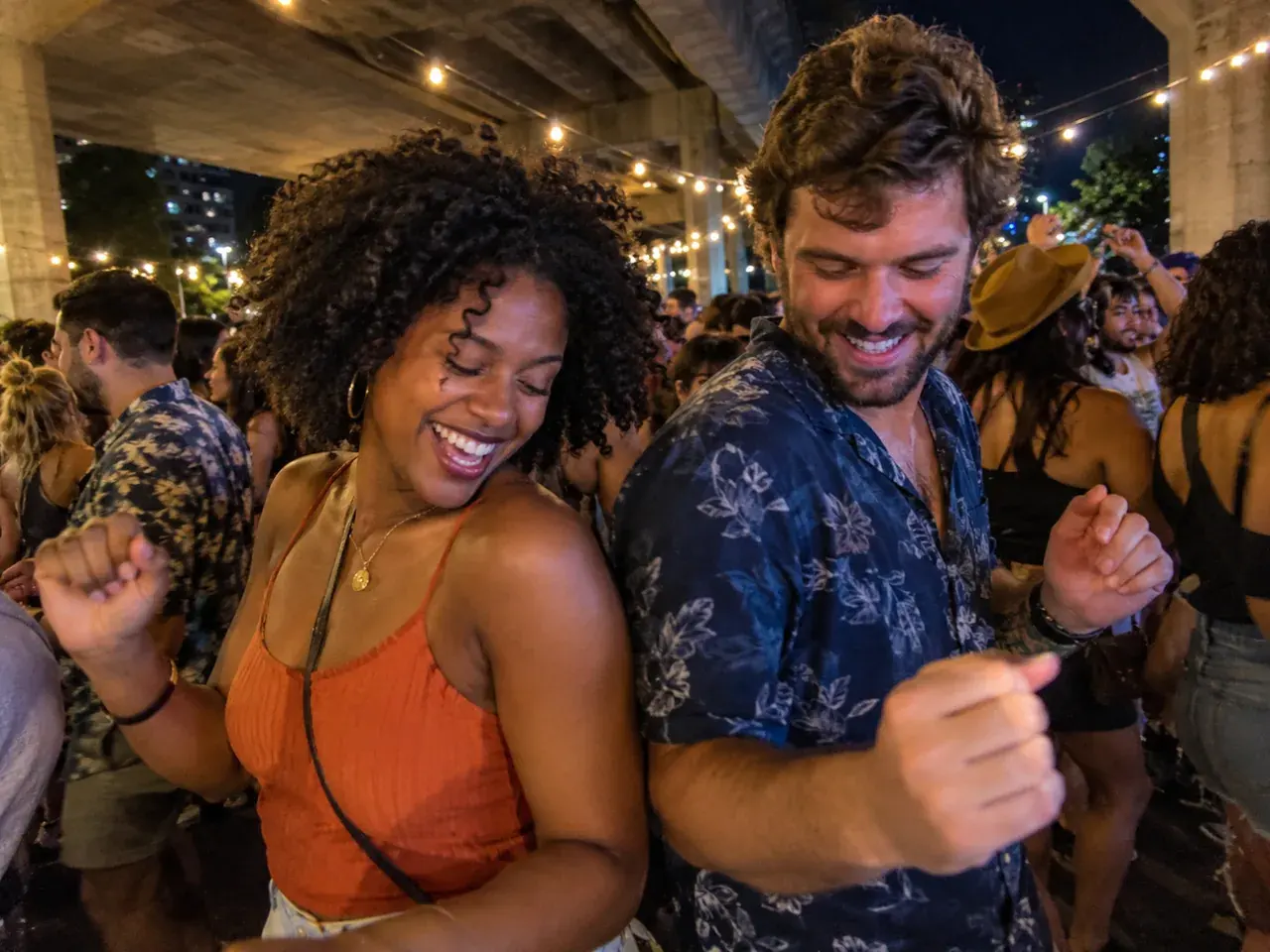
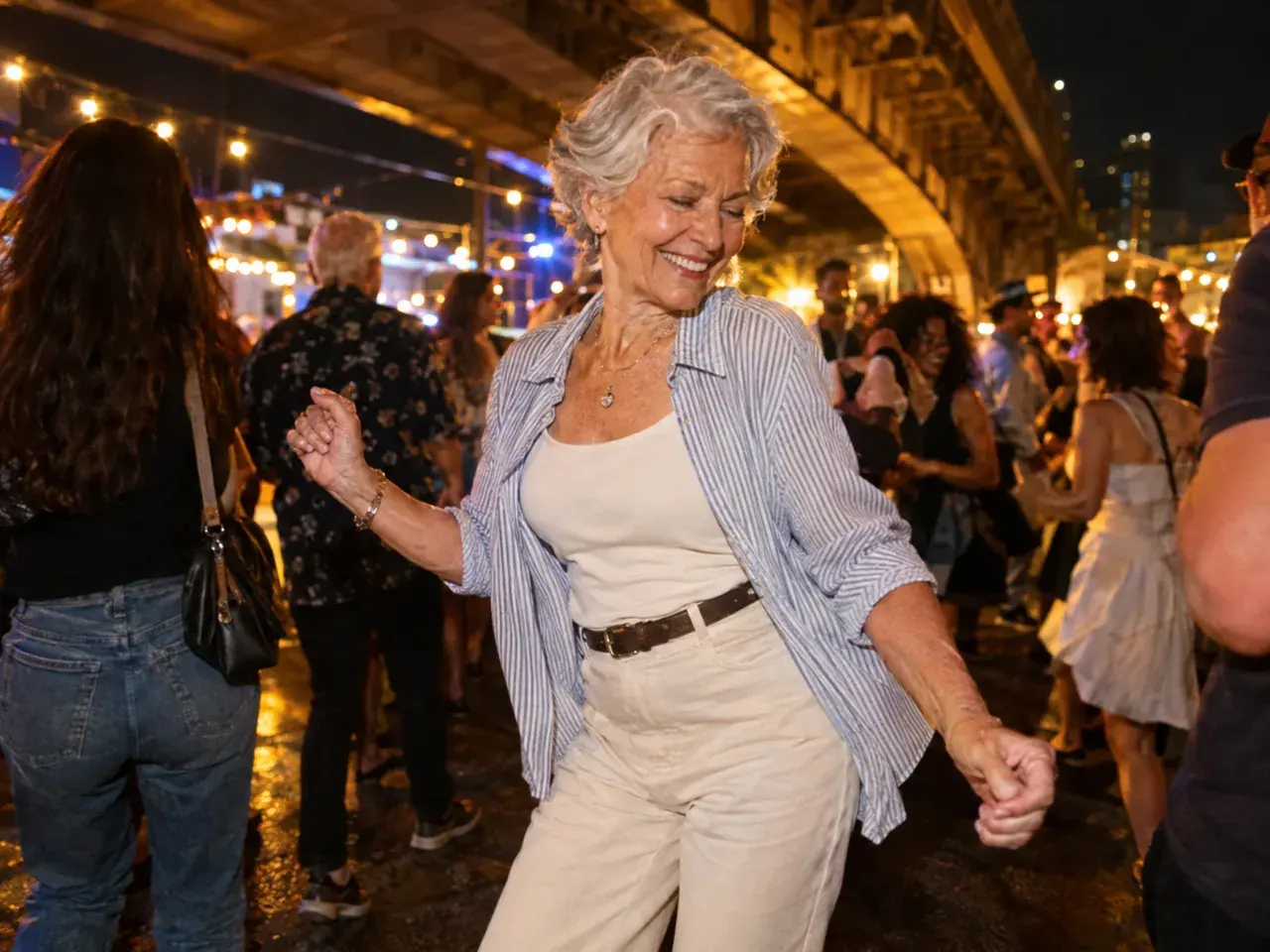
How it works
1
Upload one clear photo
Use a front-facing photo with even light and no sunglasses. Show your hair, shoulders, and outfit. For a couple or a friend, use one photo with both people or compose two portraits first.
2
Keep the identity lines
The prompt protects the face, skin tone, body proportions, and the number of people. Change the outfit, the film look, or the camera line — not the person.
3
Make the still, then animate
Generate the still first. When the face and outfit look right, send that image to Veo 3.1 Fast image-to-video for a 9:16 clip of up to 10 seconds.
Charme dance prompt
Keep the couple line explicit. The model should not turn the pair into two separate solo dancers.
Open the generator, upload your photo, and keep the identity and anatomy lines intact. The still prompt is written for an image-editing model; the motion prompt is written for image-to-video.
Use the uploaded photo as the primary reference. Preserve the subject's recognizable face, facial proportions, skin tone, approximate age, body proportions, and natural anatomy. Keep the same number of people as the uploaded photo. Exactly two adults dance close together in a packed baile charme, with warm string lights, a partner-dance frame, and a handheld phone angle. Photorealistic editorial photography, realistic skin texture and fabric, warm night-party lighting, handheld phone perspective, shallow depth of field. Avoid altered identity, extra limbs, duplicated fingers, distorted anatomy, text, logos, watermarks, and celebrity likenesses.
Model routing
Start with an identity-first image model, then animate with a video model that holds a face in a moving crowd. The one-click routes below use models enabled in the generator.
KIENano Banana ProFace and identity preservation
Image editKIESeedream 4.5 EditOutfit, crowd and scene changes
Image editKIEVeo 3.1 FastDance motion and camera moves
Image to videoKIEKling 2.1 ProDance motion and camera moves
Image to videoKIERunway GenerateDance motion and camera moves
Image to videoKIESeedance 1.5 ProDance motion and camera moves
Image to videoQuestions
What photo works for a couple?+
A photo where both faces are visible and you are standing close together. A full-body shot helps the model understand the height difference; a tight crop makes the embrace harder to rebuild.
Can we use a wedding or formal photo?+
Yes, but the outfit will stay formal in a night party. If you want a casual baile look, change the outfit line in the prompt or use a casual photo.
Will the model add a third person?+
It should not. The prompt says exactly two people. If a third dancer appears in the background, that is crowd fill, not a third subject; re-render if it distracts from the couple.
Casal no Charme AI Dance Template
Generate the still first. When the face and outfit look right, send that image to Veo 3.1 Fast image-to-video for a 9:16 clip of up to 10 seconds.
Independent AI video tool. Not affiliated with, endorsed by, or sponsored by the Baile Charme de Madureira, its organisers, TikTok, CapCut, or any artist. Only upload photos of people who gave you permission, all 18 or older. Do not upload celebrities or public figures.