照片转动舞
Charme Dance AI 视频生成器
从照片到 baile charme 片段的最短路径。上传人像,保留身份描述,让图生视频模型处理舞步、人群和手机手持运镜。
- 一张照片进,一条 MP4 出
- 9:16 竖屏,5 秒或 10 秒
- Veo 3.1 Fast、Kling 2.1 Pro、Runway、Seedance 路线
更新于 2026 年 10 月 20 日
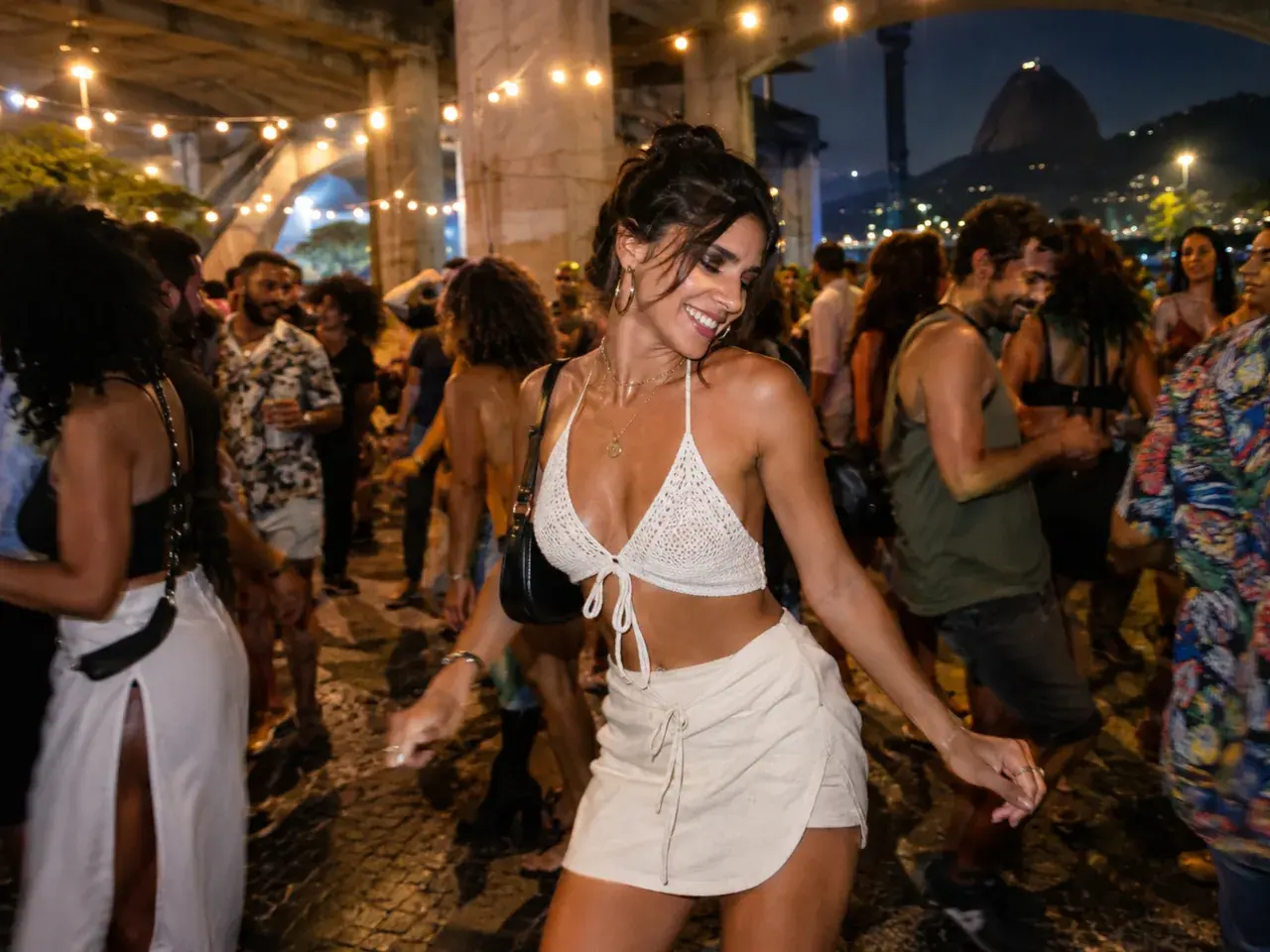
相关 Charme 舞蹈模板
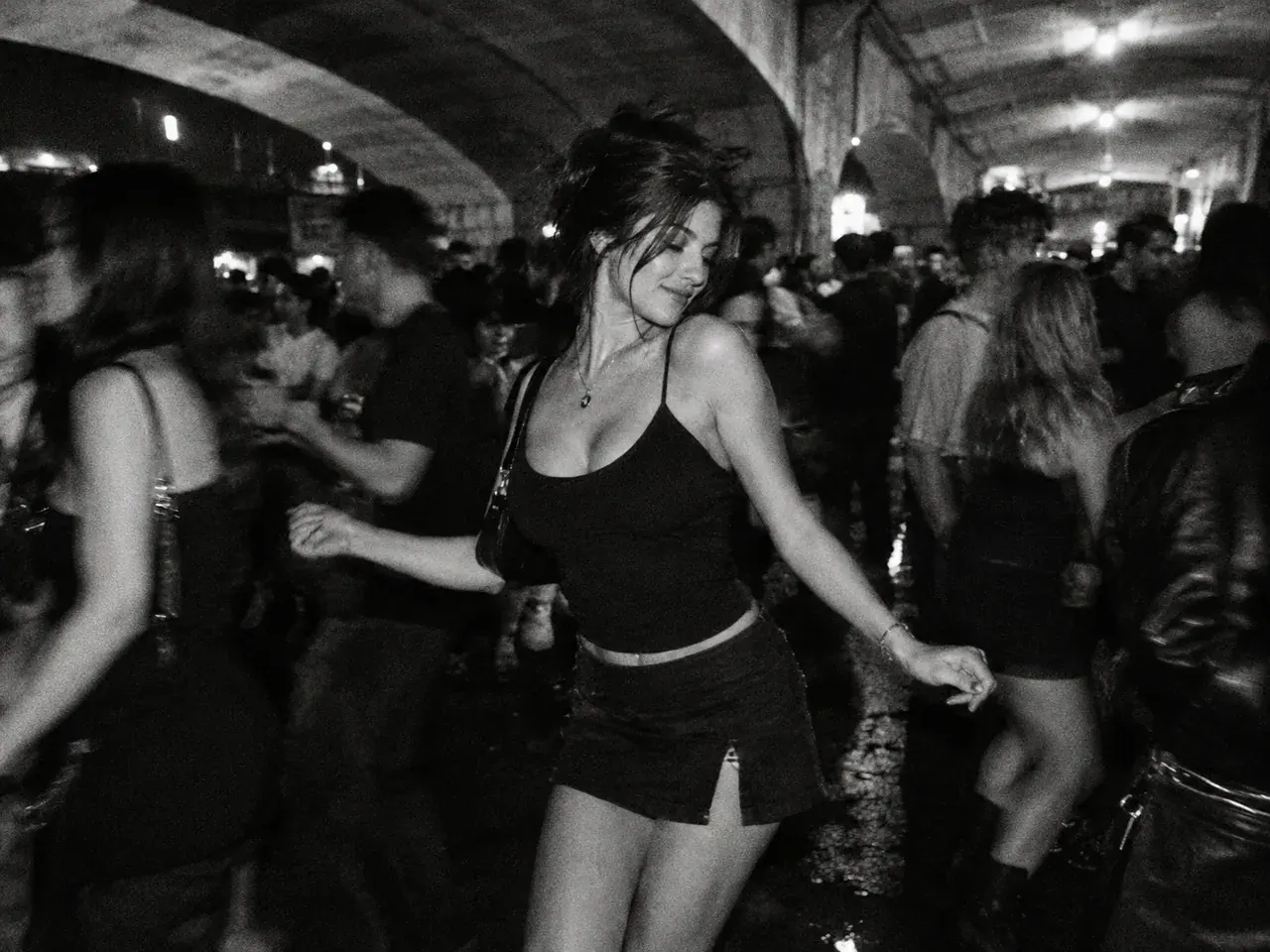
6 个原创 baile charme 模板,围绕这个趋势的视觉语言:高架桥下的人群、横移舞步、朋友加入、情侣共舞、年长舞者、黑白胶片,以及 80 年代动作片混搭。
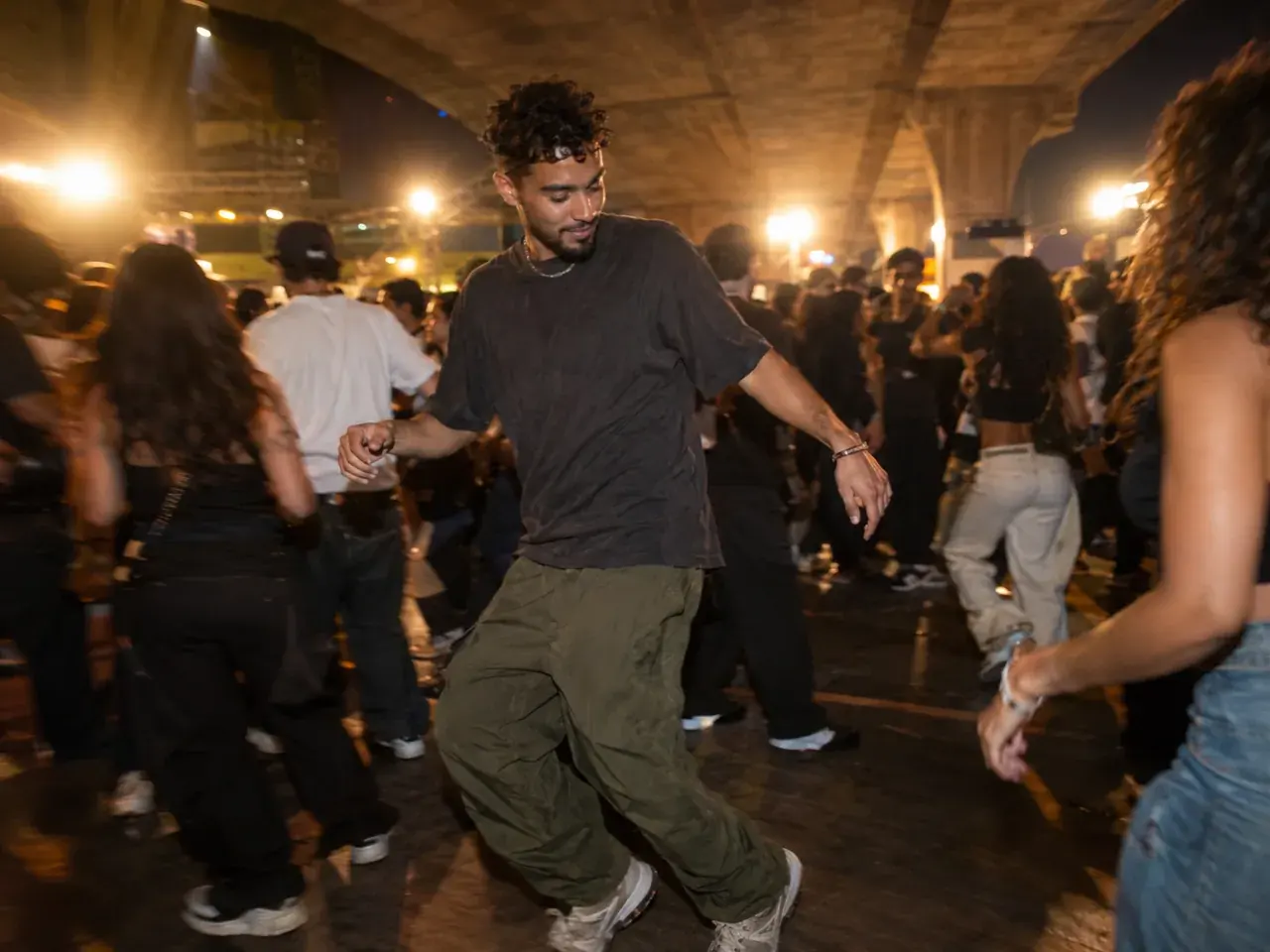
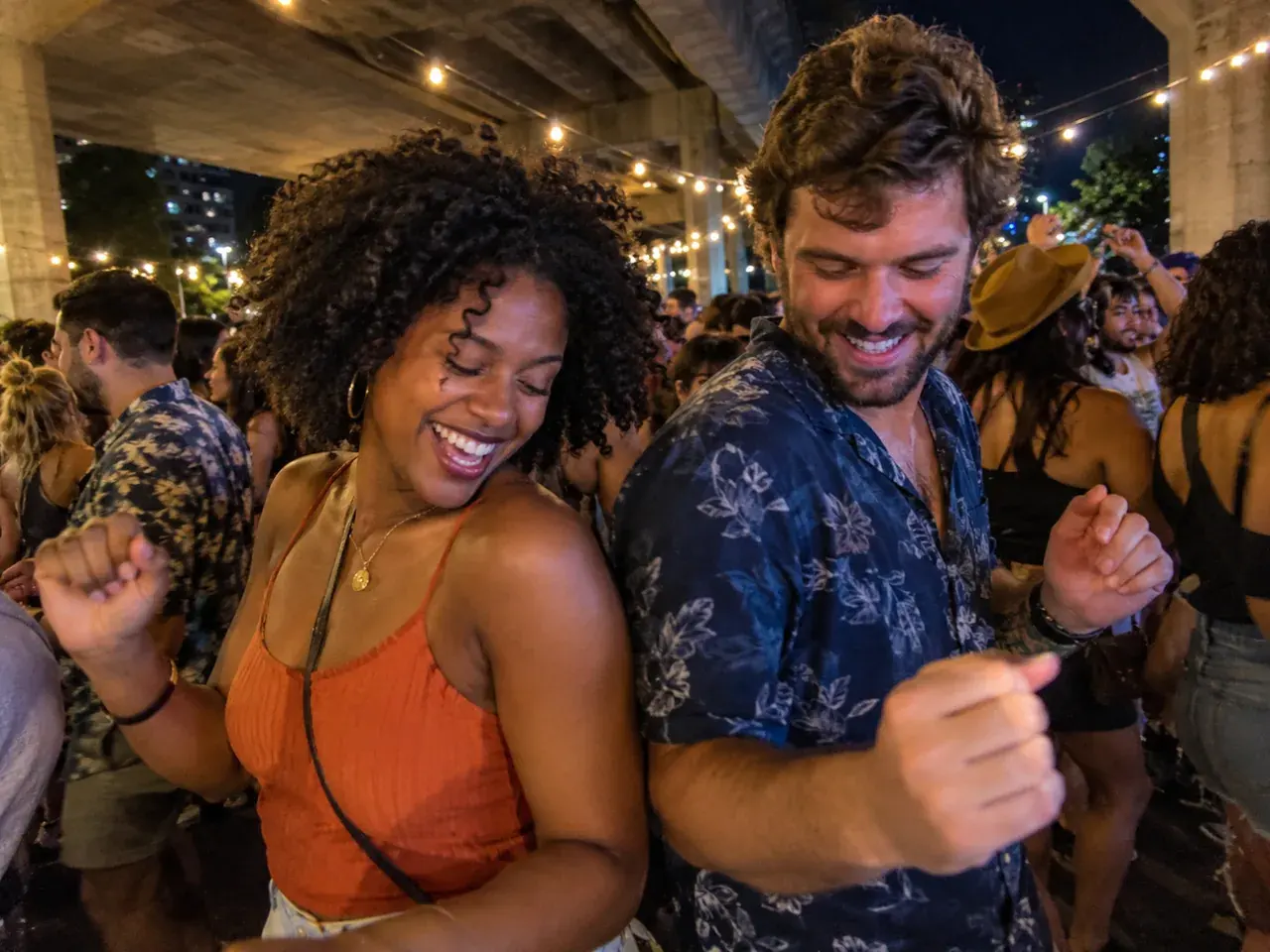
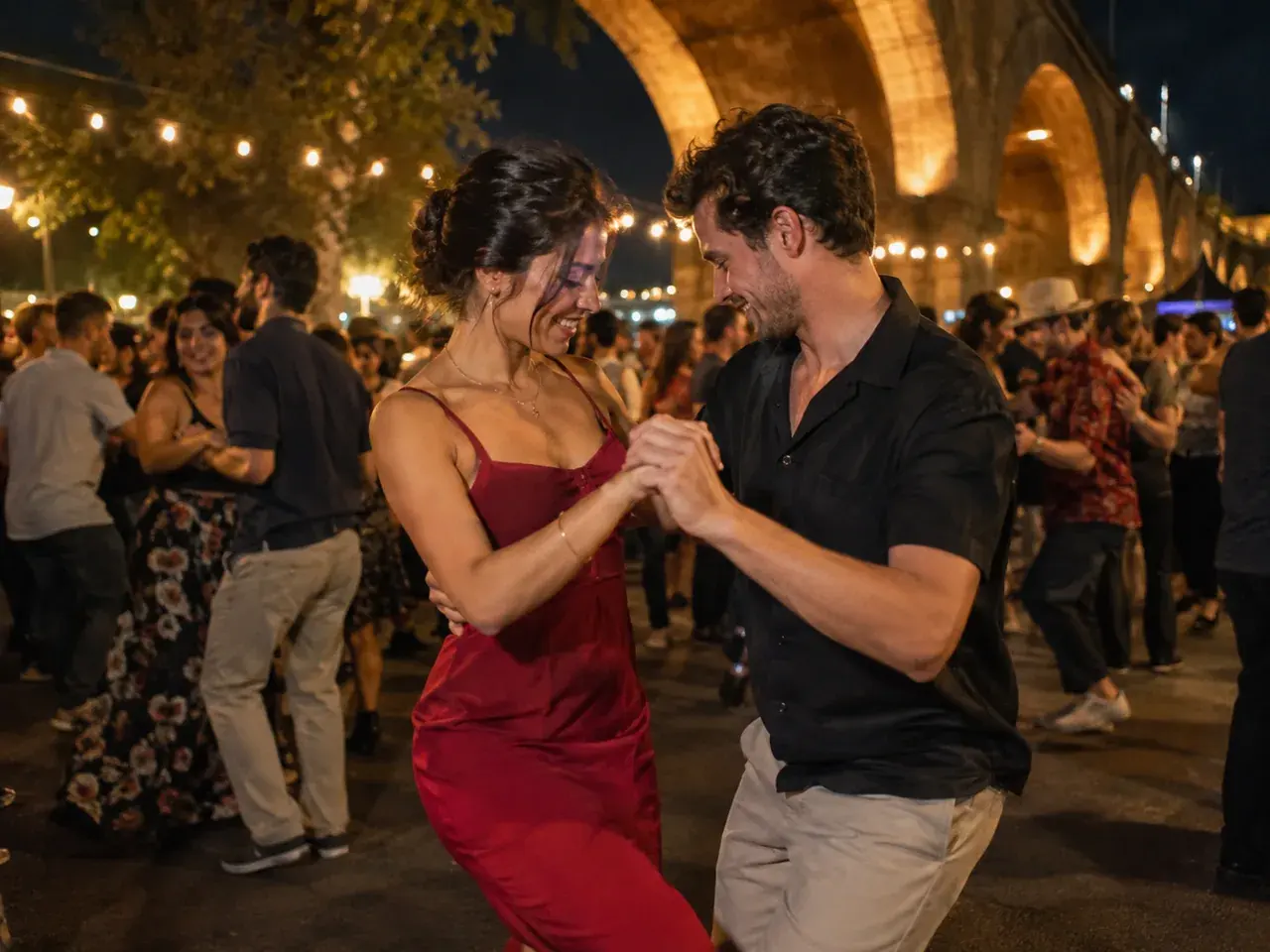
怎么做
1
上传一张清晰照片
用正面、光线均匀、不戴墨镜的照片,露出头发、肩膀和服装。情侣或朋友模板可以用一张双人合照,或先把两张人像合成一张。
2
保留身份描述
提示词会保护脸型、肤色、身材比例和人数。可以换服装、胶片风格或镜头,但不要改人。
3
先出剧照,再做动画
先生成剧照。脸和服装满意后,把这张图送到 Veo 3.1 Fast 图生视频,生成 9:16、最长 10 秒的舞蹈片段。
Charme 舞蹈提示词
从本页的提示词开始。可以更换服装或镜头描述,但请保留身份和人体结构约束。
打开生成器,上传照片,并保留身份与人体结构相关的句子。剧照提示词用于图像编辑模型,运动提示词用于图生视频模型。
Use the uploaded photo as the primary reference. Preserve the subject's recognizable face, facial proportions, skin tone, approximate age, body proportions, and natural anatomy. Keep the same number of people as the uploaded photo. Place the subject in a medium shot inside a packed outdoor baile charme at night under a concrete viaduct, with warm floodlights, a handheld phone camera angle, and dancers moving around them. Photorealistic editorial photography, realistic skin texture and fabric, warm night-party lighting, handheld phone perspective, shallow depth of field. Avoid altered identity, extra limbs, duplicated fingers, distorted anatomy, text, logos, watermarks, and celebrity likenesses.
模型路由
先用擅长保脸的生图模型,再用能在移动人群中稳住五官的视频模型。下面的快捷路线都使用生成器里已启用的模型。
常见问题
生成一条 charme 舞蹈视频要多久?+
多数任务 1 到 3 分钟完成。Veo 3.1 Fast 通常最快;Seedance 和 Runway 可能更久。片段出现在作品列表前,请保持页面打开。
先用哪个模型?+
先用 Veo 3.1 Fast 图生视频做 9:16。它比较能稳住脸和横移舞步。想要更电影感的人群可以试 Seedance 1.5 Pro;想要不同的运动质感可以试 Runway。
能做 12 秒吗?+
Vidle 只提供模型支持的时长。Veo 3.1 Fast 有 5 秒和 10 秒;要更长就生成两段,在剪辑器里拼接。想要自然收尾,不要把同一段 10 秒循环两次。
独立 AI 视频工具,与 Baile Charme de Madureira、其主办方、TikTok、CapCut 或任何艺人无关联,也未获其背书或赞助。只能上传本人或已获得同意的、年满 18 岁的人的照片。不要上传名人或公众人物。