Template 04
Vovô no Baile Charme Dance Template
The trend’s most-loved remix is an older dancer who clearly runs the room. This template keeps the same step and crowd, with a warm, respectful read instead of a joke.
- Age-positive portrait
- Same charme step
- Great for family photos
Updated October 20, 2026
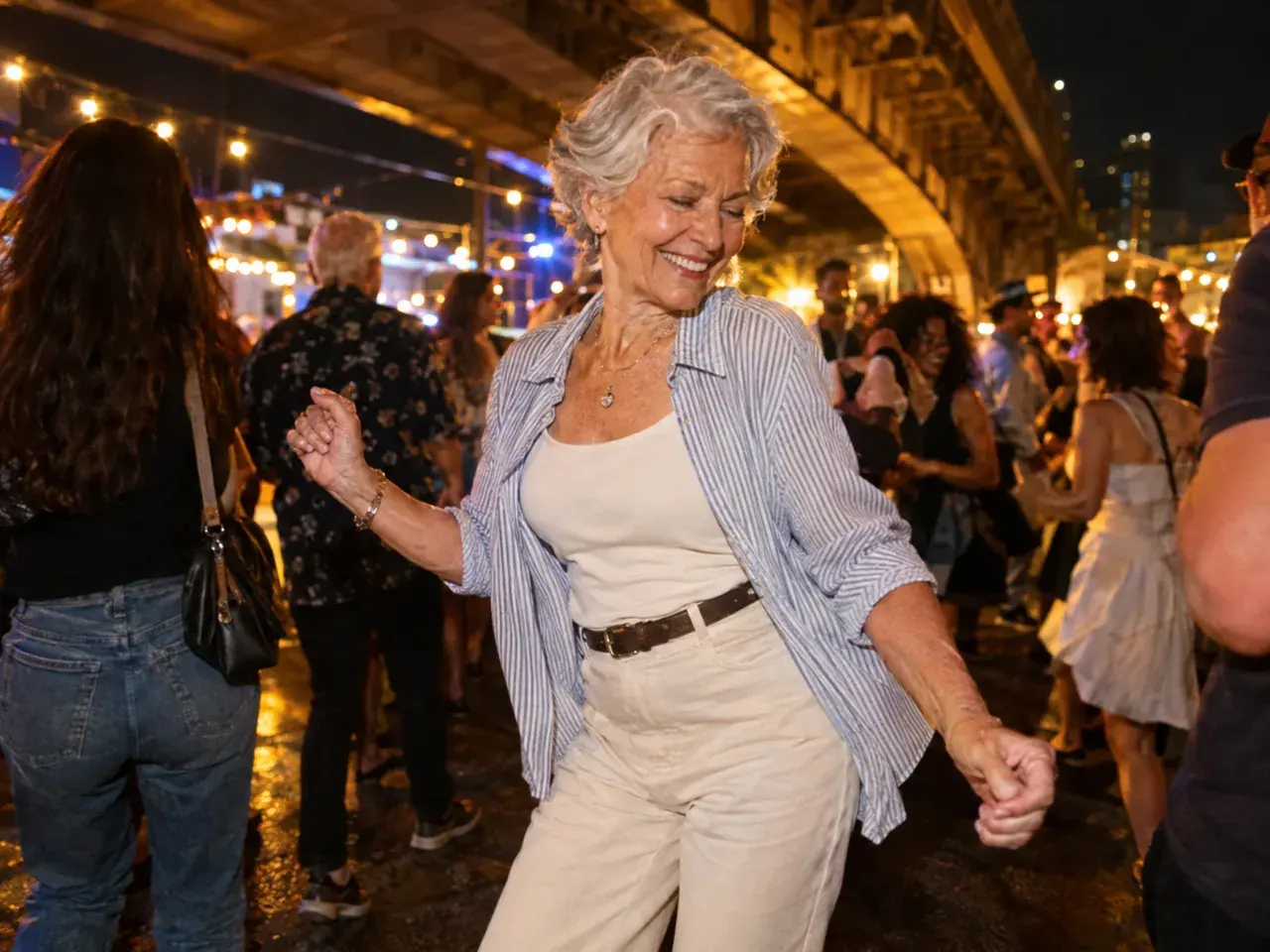
Related charme dance templates
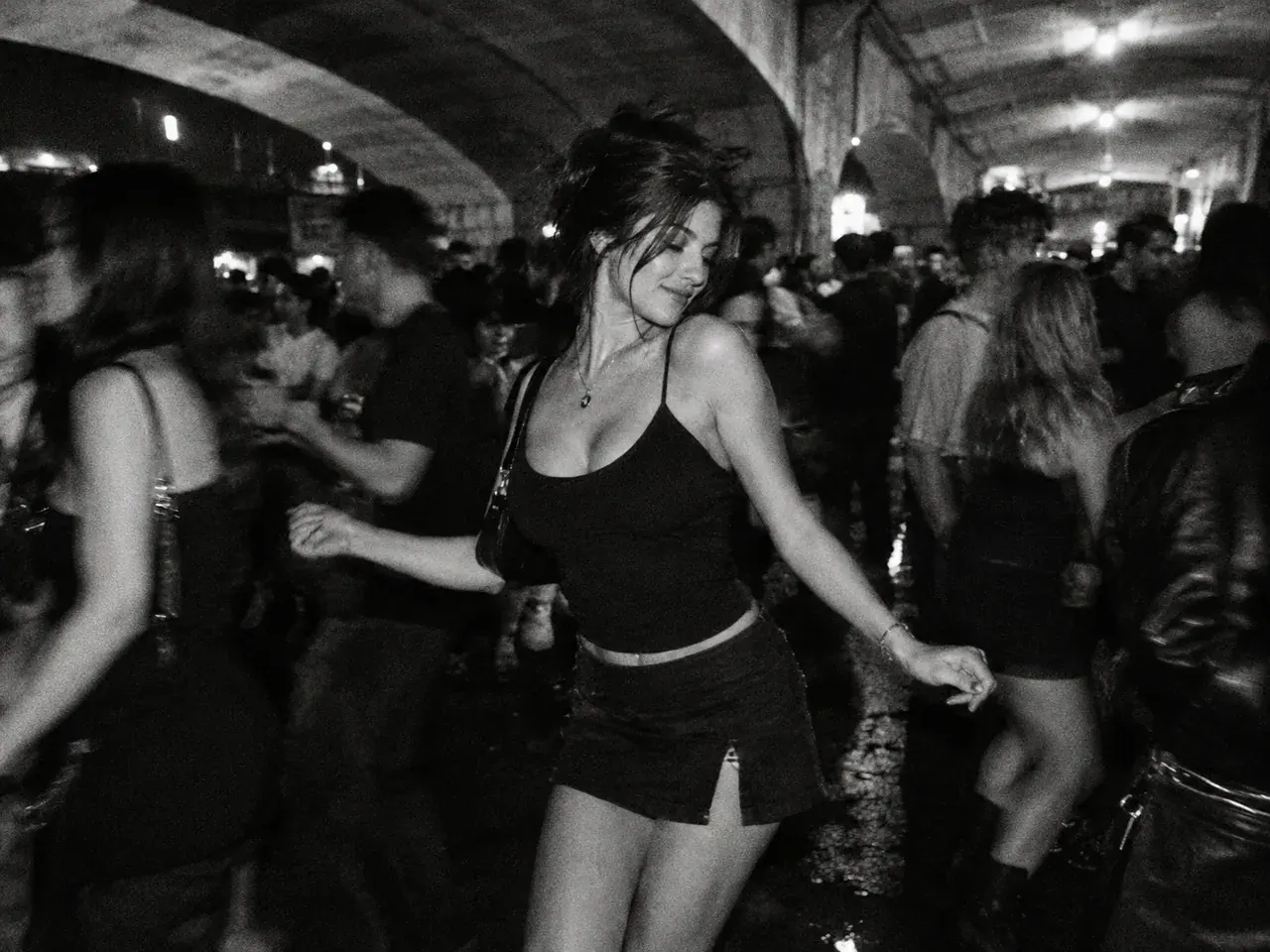
Six original baile charme templates built around the trend’s visual language: the packed viaduct crowd, the side-step, the friend, the couple, the older dancer, black-and-white film, and the 80s action remix.
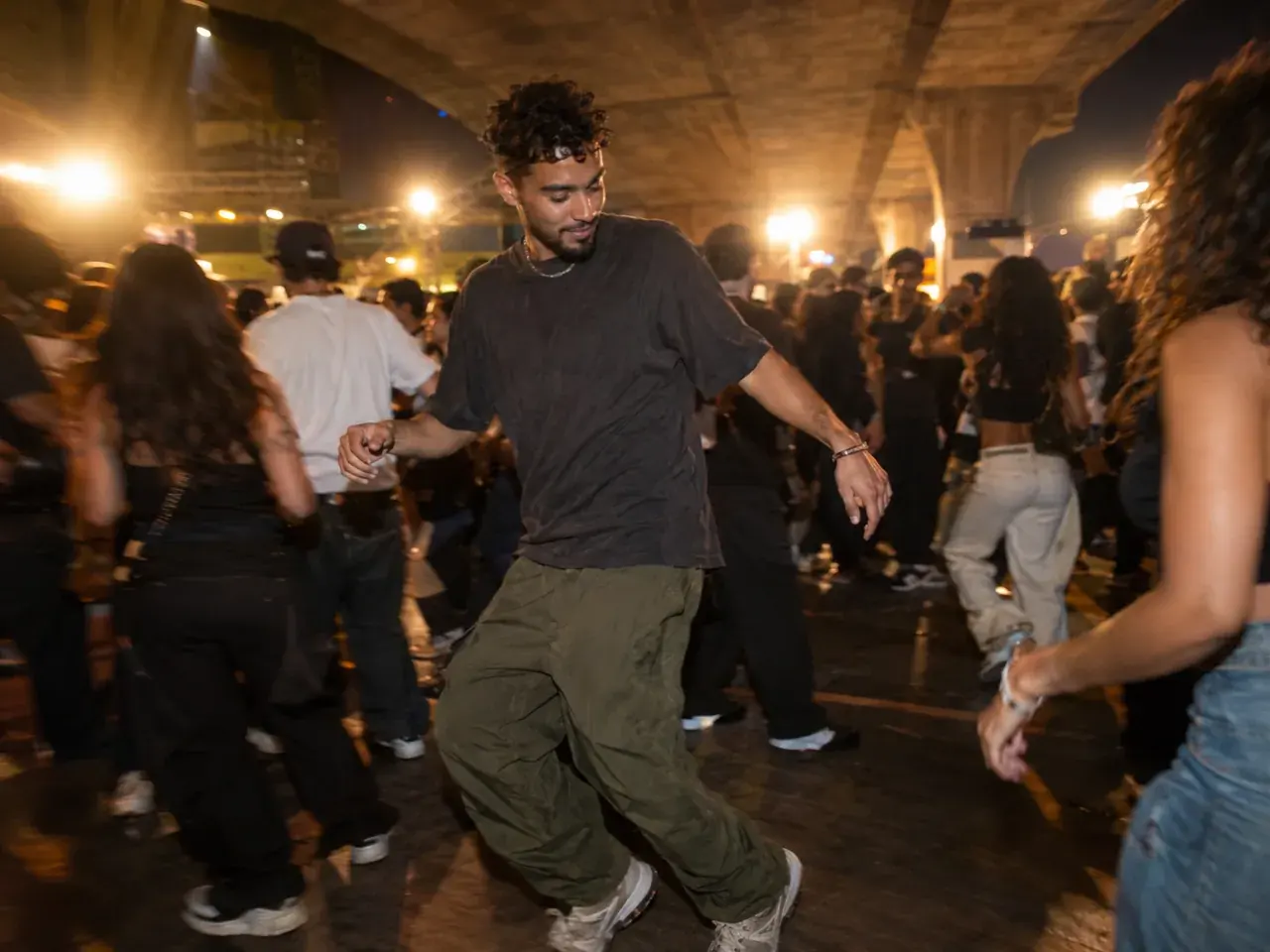
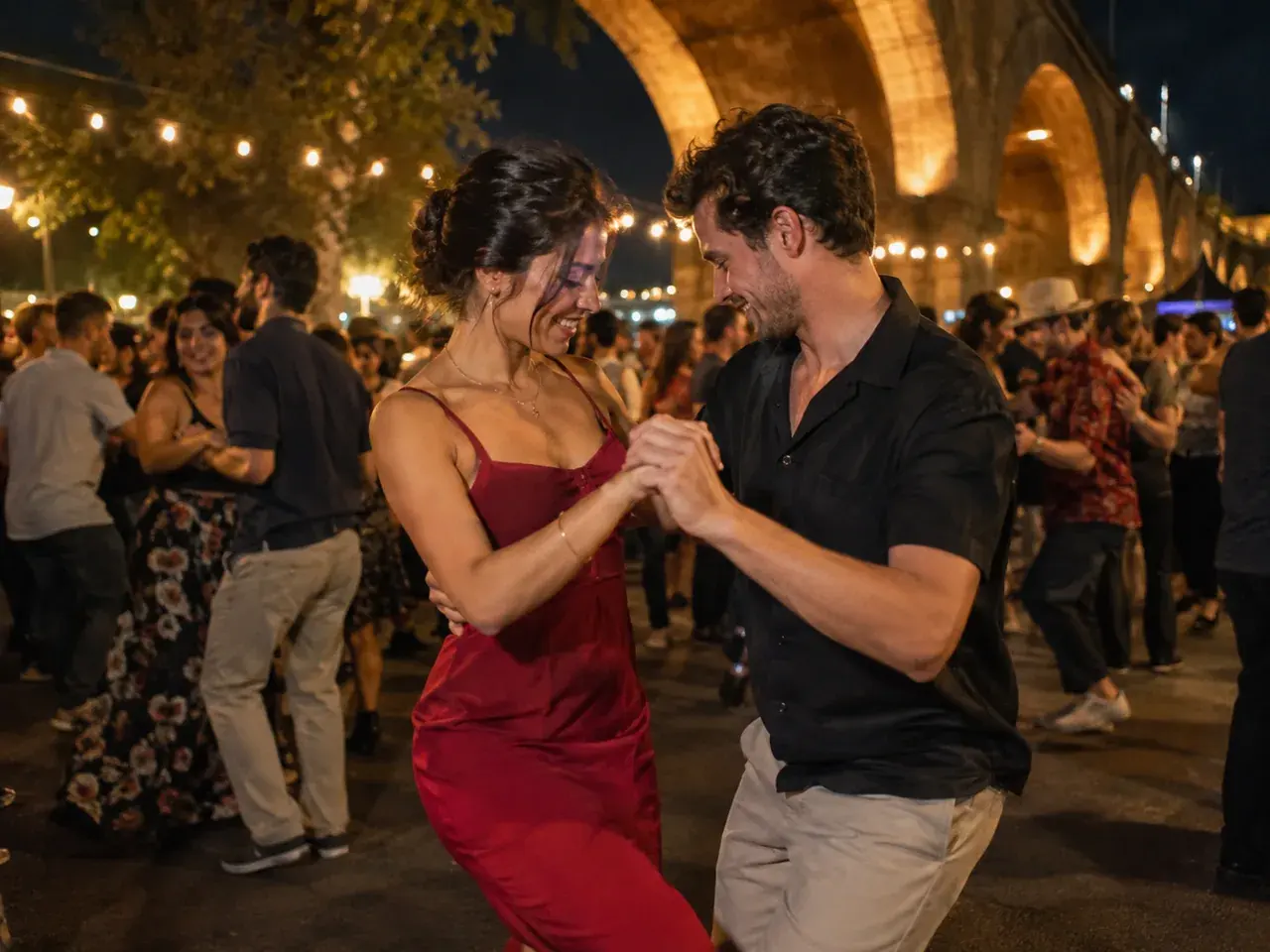
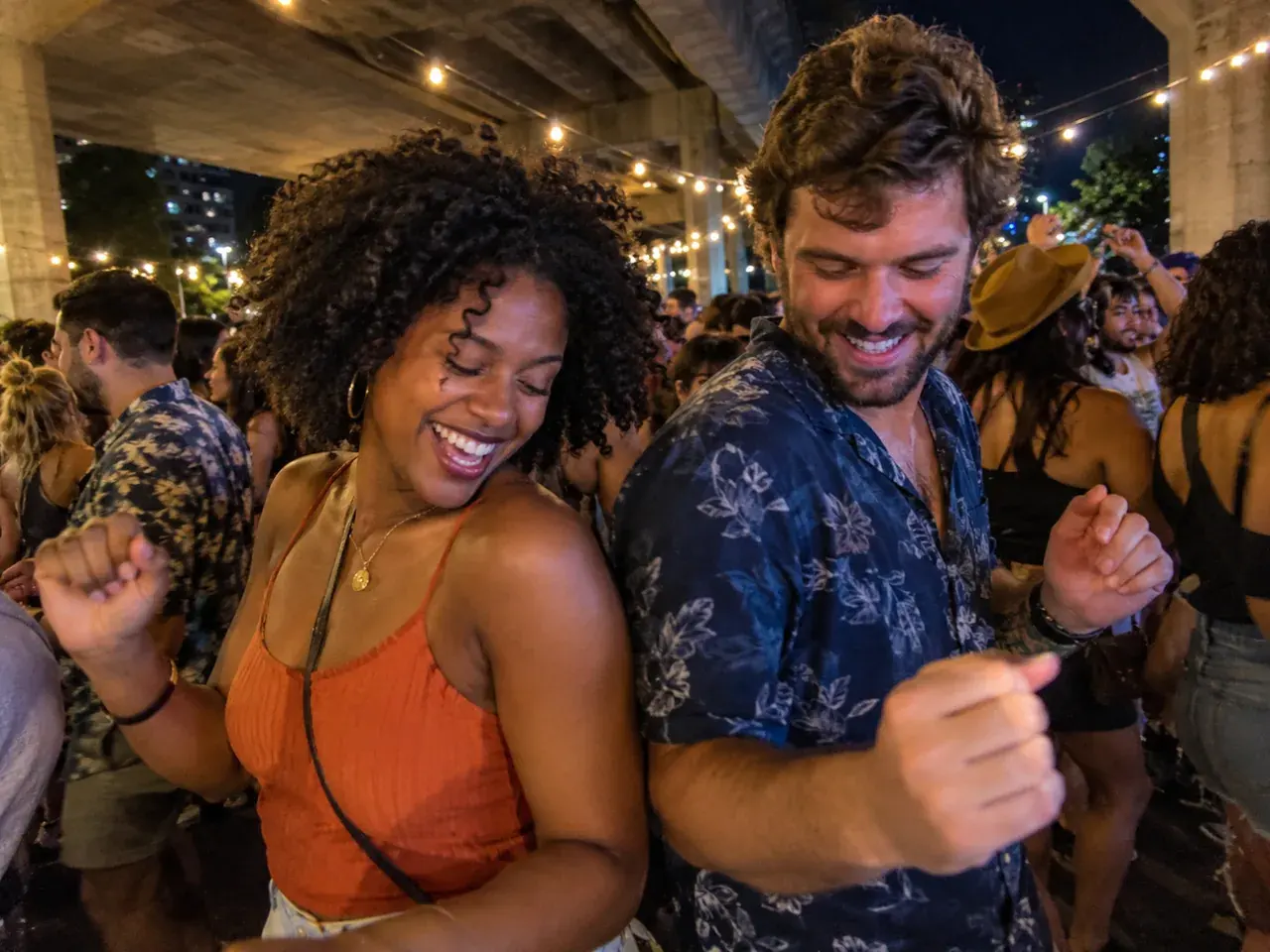
How it works
1
Upload one clear photo
Use a front-facing photo with even light and no sunglasses. Show your hair, shoulders, and outfit. For a couple or a friend, use one photo with both people or compose two portraits first.
2
Keep the identity lines
The prompt protects the face, skin tone, body proportions, and the number of people. Change the outfit, the film look, or the camera line — not the person.
3
Make the still, then animate
Generate the still first. When the face and outfit look right, send that image to Veo 3.1 Fast image-to-video for a 9:16 clip of up to 10 seconds.
Charme dance prompt
Use a well-lit portrait. A low-resolution scan or a photo with other people will make the face drift.
Open the generator, upload your photo, and keep the identity and anatomy lines intact. The still prompt is written for an image-editing model; the motion prompt is written for image-to-video.
Use the uploaded photo as the primary reference. Preserve the subject's recognizable face, facial proportions, skin tone, approximate age, body proportions, and natural anatomy. Keep the same number of people as the uploaded photo. An older adult in their seventies in a stylish night-party outfit stands confidently in a packed baile charme, with warm lights and a handheld phone angle. Keep natural age lines and skin texture. Photorealistic editorial photography, realistic skin texture and fabric, warm night-party lighting, handheld phone perspective, shallow depth of field. Avoid altered identity, extra limbs, duplicated fingers, distorted anatomy, text, logos, watermarks, and celebrity likenesses.
Model routing
Start with an identity-first image model, then animate with a video model that holds a face in a moving crowd. The one-click routes below use models enabled in the generator.
KIENano Banana ProFace and identity preservation
Image editKIESeedream 4.5 EditOutfit, crowd and scene changes
Image editKIEVeo 3.1 FastDance motion and camera moves
Image to videoKIEKling 2.1 ProDance motion and camera moves
Image to videoKIERunway GenerateDance motion and camera moves
Image to videoKIESeedance 1.5 ProDance motion and camera moves
Image to videoQuestions
Can I use a photo of an older relative?+
Only with their permission. Upload a clear photo where their face is visible and avoid photos from a hospital or a private moment. The model will keep their face and add the party scene.
Will the model make them look younger?+
It should not. The prompt asks for the same age, skin tone, and facial features. If the render smooths the face too much, add “keep natural skin texture and age lines” and re-render.
Is this respectful?+
The intent is celebration, not mockery. Keep the outfit stylish, the expression joyful, and the caption kind. If the person would not want the clip online, do not post it.
Vovô no Baile Charme Dance Template
Generate the still first. When the face and outfit look right, send that image to Veo 3.1 Fast image-to-video for a 9:16 clip of up to 10 seconds.
Independent AI video tool. Not affiliated with, endorsed by, or sponsored by the Baile Charme de Madureira, its organisers, TikTok, CapCut, or any artist. Only upload photos of people who gave you permission, all 18 or older. Do not upload celebrities or public figures.