Popstar trend · October 2026
Popstar AI: Put Yourself in the Music Video
The Popstar look is a handheld music-video entrance: a tailored suit, a marble hallway, paparazzi flashes, and a confident walk toward the camera. Upload one clear photo, generate the still, then animate a 9:16 clip up to 10 seconds.
- One photo, one 9:16 clip
- Veo 3.1 Fast motion route
- Copy-ready still and motion prompts
Updated October 20, 2026
More AI video trends
Each page has its own generated example, still prompt, motion prompt, and model route. Pick the look closest to the clip you want to post.
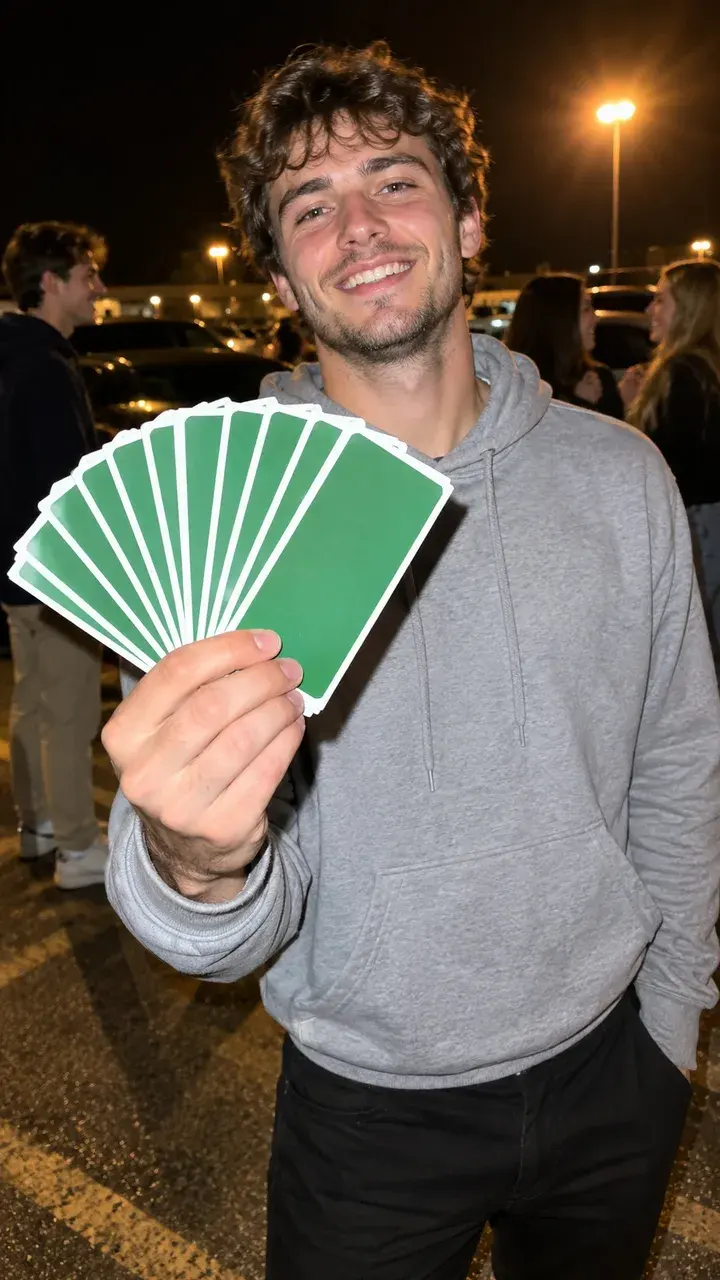
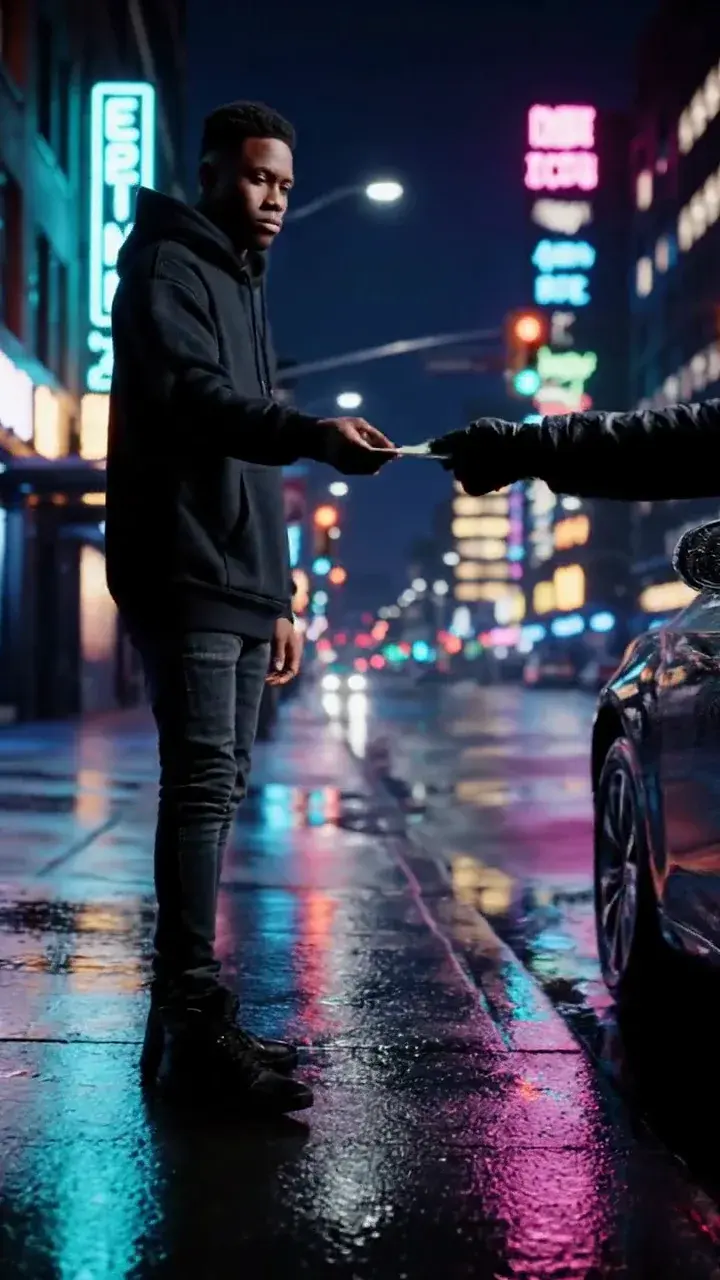
How it works
1
Upload one clear photo
Use a front-facing photo with even light and no sunglasses. Show your hair, shoulders, and outfit. For a group shot, use one photo with everyone in frame or compose the group first.
2
Keep the identity lines
The prompt protects the face, skin tone, body proportions, and the number of people. Change the outfit, the scene, or the camera — never the person.
3
Make the still, then animate
Generate the still first. When the face and outfit look right, send that image to image-to-video for a 9:16 clip of up to 10 seconds.
Copy the trend prompt
The still prompt builds the entrance. The motion prompt keeps the suit, face, and camera move consistent.
Open the generator, upload a clear front-facing photo, and keep the identity and anatomy lines intact. The still prompt is written for an image model; the motion prompt is written for image-to-video.
Use the uploaded photo as the primary reference. Preserve the subject's recognizable face, facial proportions, skin tone, approximate age, body proportions, and natural anatomy. Keep the same number of people as the uploaded photo. Place the subject in a tailored black suit at the entrance of a marble mansion hallway, with paparazzi flashbulbs behind velvet ropes, a stylish crowd, gold practical lights, and a handheld music-video camera angle. Photorealistic editorial photography, realistic skin texture and fabric, cinematic practical lighting, shallow depth of field, vertical 9:16 framing. Avoid altered identity, extra limbs, duplicated fingers, distorted anatomy, readable text, logos, watermarks, real currency, and celebrity likenesses.
Model routes
The still needs an image model that preserves identity; the motion needs a video model that holds a face in a moving scene. Every route below is enabled in the generator.
KIENano Banana ProFace and identity preservation
Image modelKIESeedream 4.5 EditOutfit, crowd and scene changes
Image modelKIEVeo 3.1 FastMotion and camera moves
Image to videoKIEKling 2.1 ProMotion and camera moves
Image to videoKIESeedance 1.5 ProMotion and camera moves
Image to videoKIERunway GenerateMotion and camera moves
Image to videoQuestions
What is the Popstar AI trend?+
It is a short AI video that copies the visual grammar of a late-night music-video entrance: a suit, a grand hallway, flashbulbs, and a slow walk toward the lens. The name comes from the Drake song and video that popularised the look. Vidle generates an original clip and is not affiliated with the artist.
Do I need a mansion or a film crew?+
No. The still prompt builds the hallway, the crowd, and the flashbulbs around your photo. The motion prompt adds the walk and the camera track. A sharp front-facing photo matters more than the location.
Can I use a photo in sunglasses or a group photo?+
Use a photo without sunglasses so the model can hold your eyes and face. For the solo walk, upload one person. For a duo entrance, compose two portraits first, then animate the composed still.
Which model makes the Popstar clip?+
Veo 3.1 Fast is the default for the 9:16, 10-second walk. Kling 2.1 Pro is the alternate when the face needs a stronger hold. Both routes are enabled on this page.
Popstar AI: Put Yourself in the Music Video
Generate the still first. When the face and outfit look right, send that image to image-to-video for a 9:16 clip of up to 10 seconds.
Independent AI video tool. Not affiliated with, endorsed by, or sponsored by TikTok, CapCut, Drake, OVO, fal, Black Forest Labs, or any artist or label. Use only photos of people who gave you permission and are 18 or older. Do not upload celebrities or public figures. Every banknote in the example videos and prompts is a fictional prop, not real currency.