Prompt library
Halloween AI Photo Prompts
Use these prompts in Vidle or paste them into another image editor that supports reference photos. Each recipe separates the parts that protect identity from the parts that create the costume.
- Prompts for Gemini, ChatGPT, and image editors
- Identity, costume, scene, and negative constraints
- Separate motion prompts for image-to-video
Updated October 20, 2026
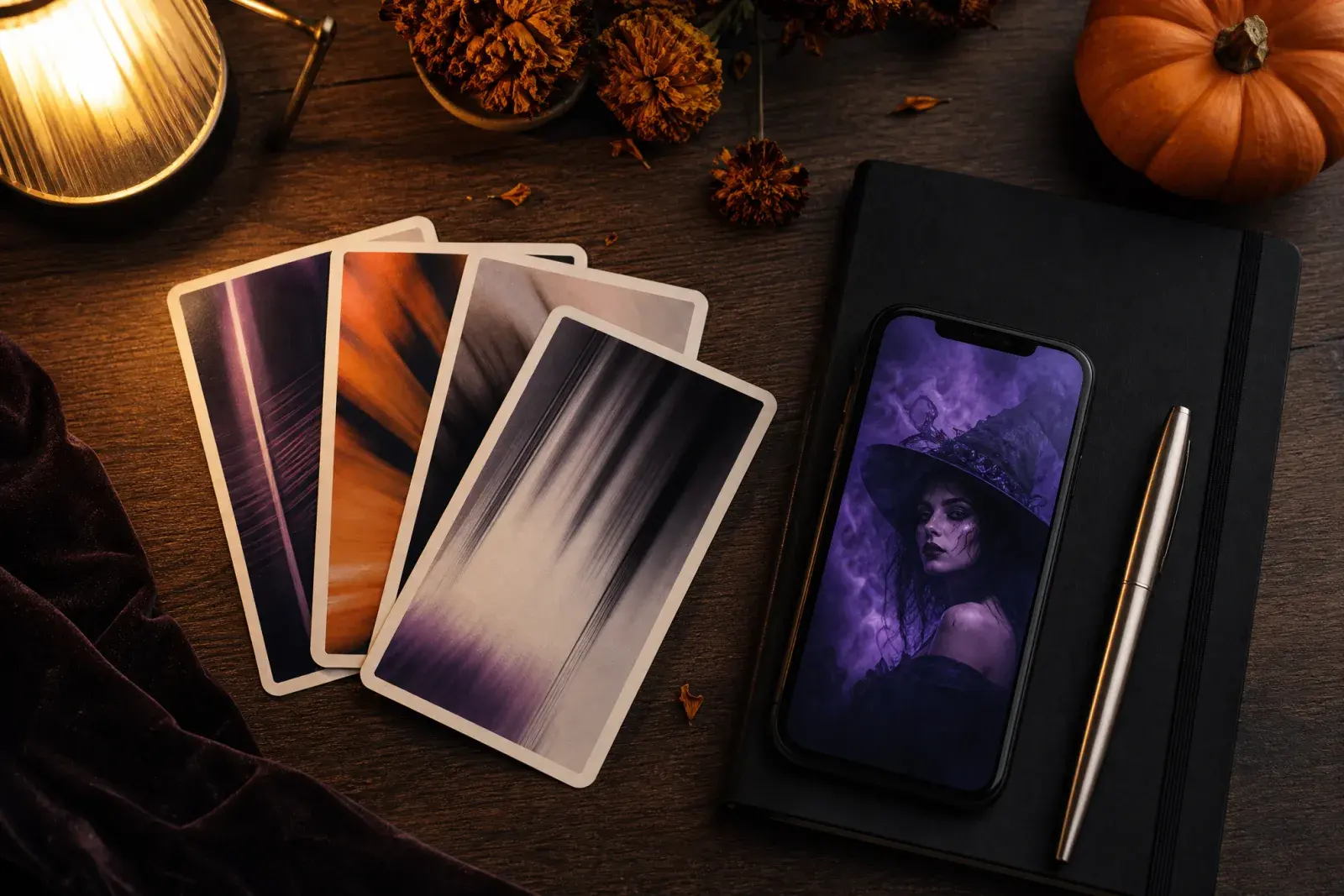
Related Halloween looks
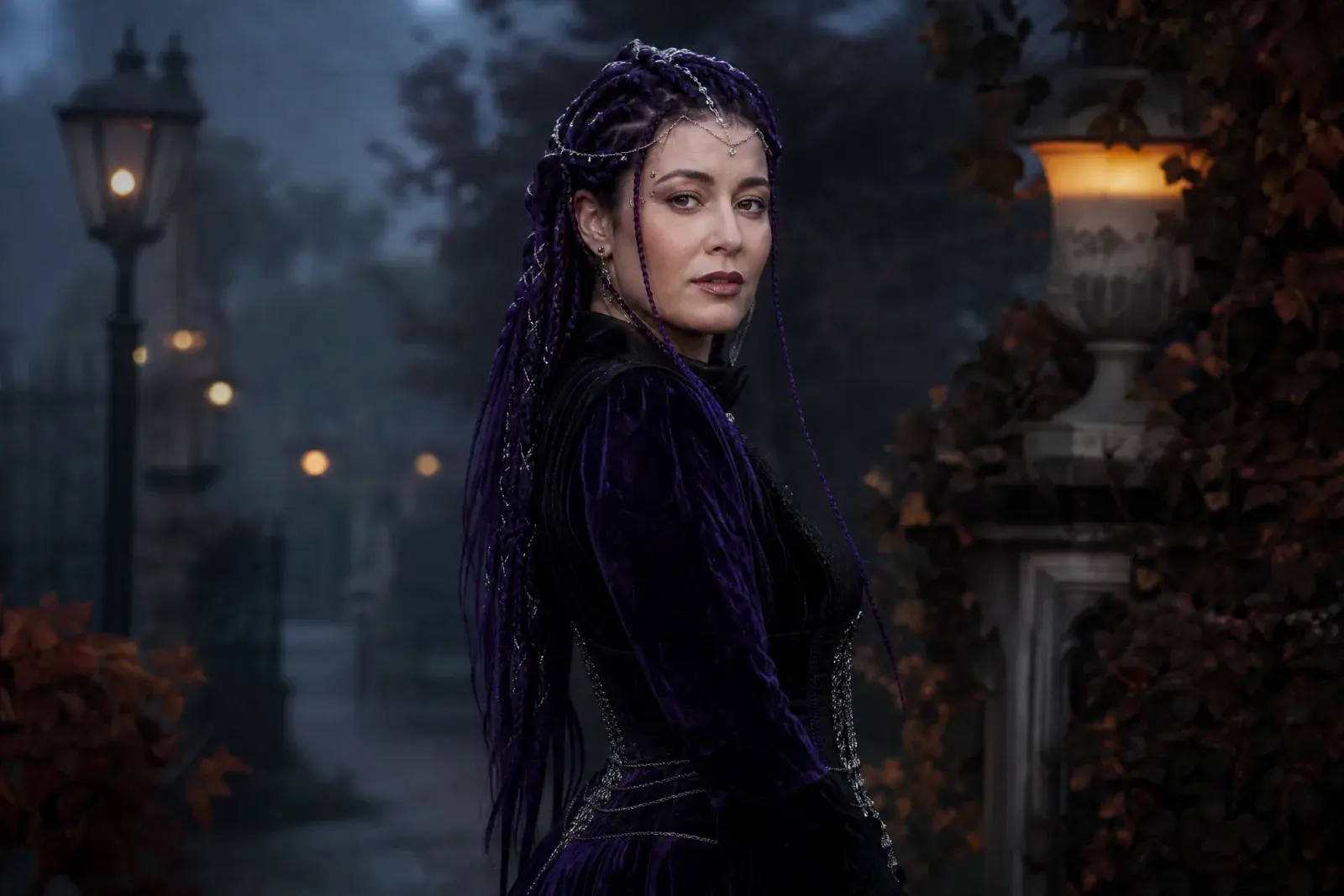
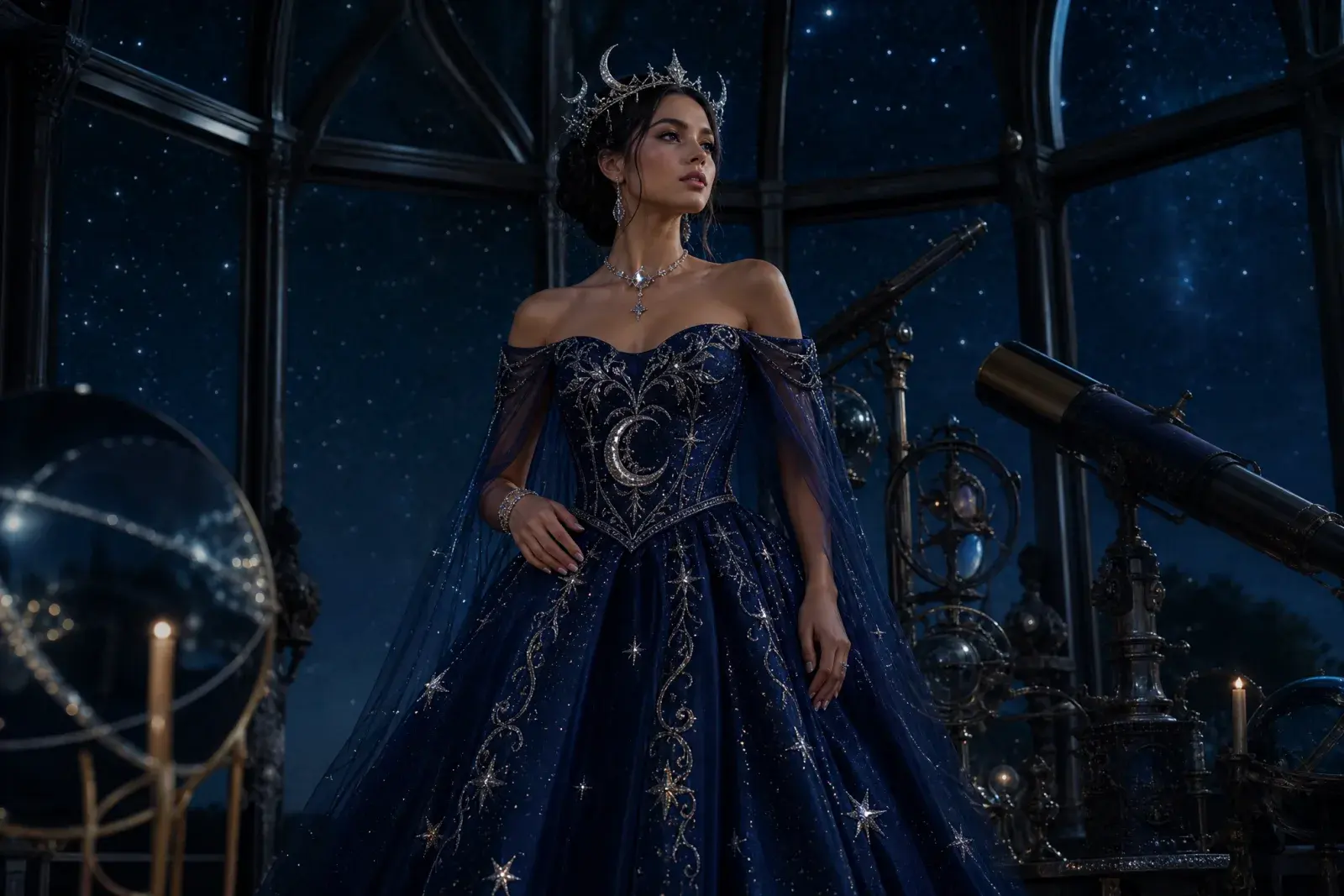
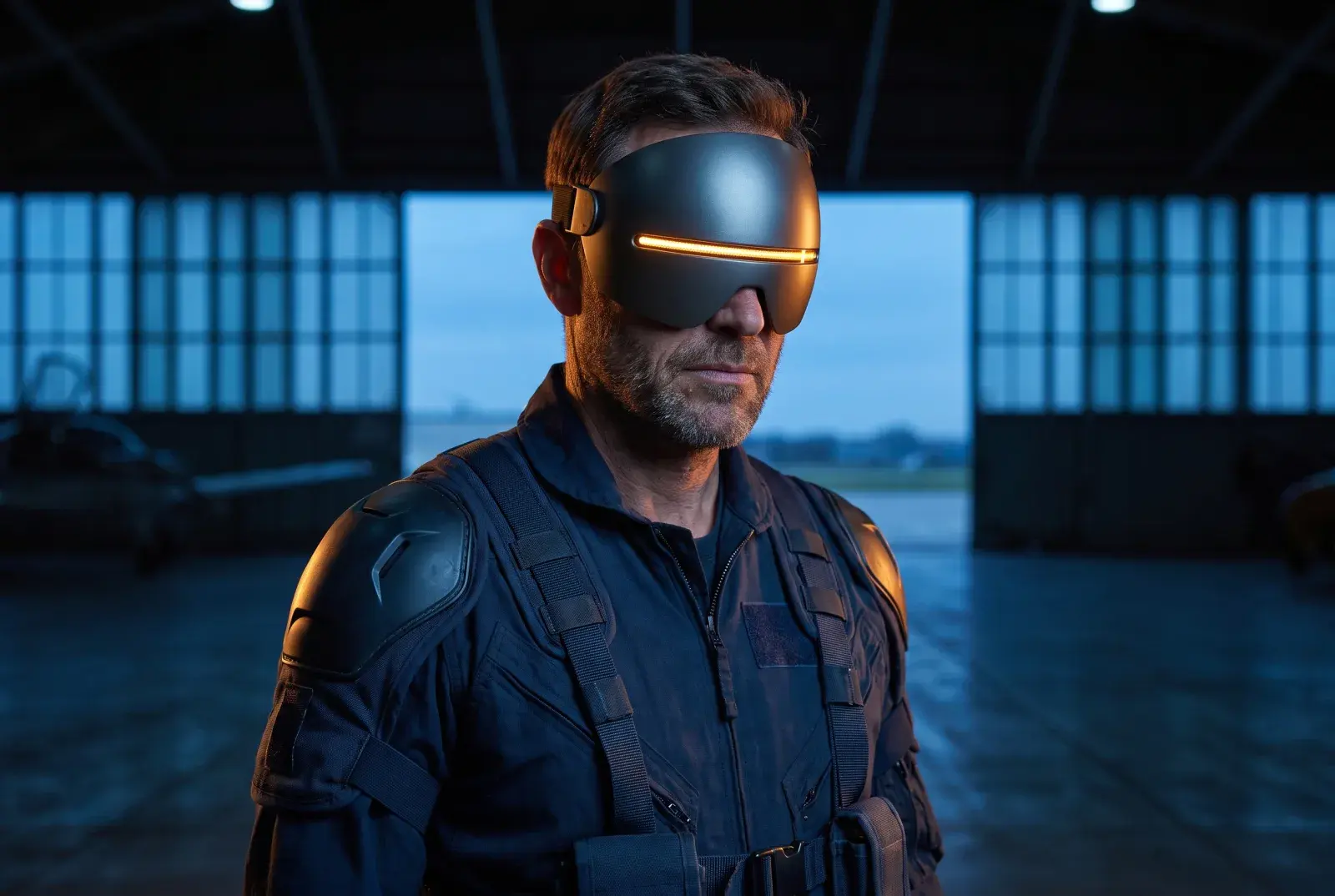
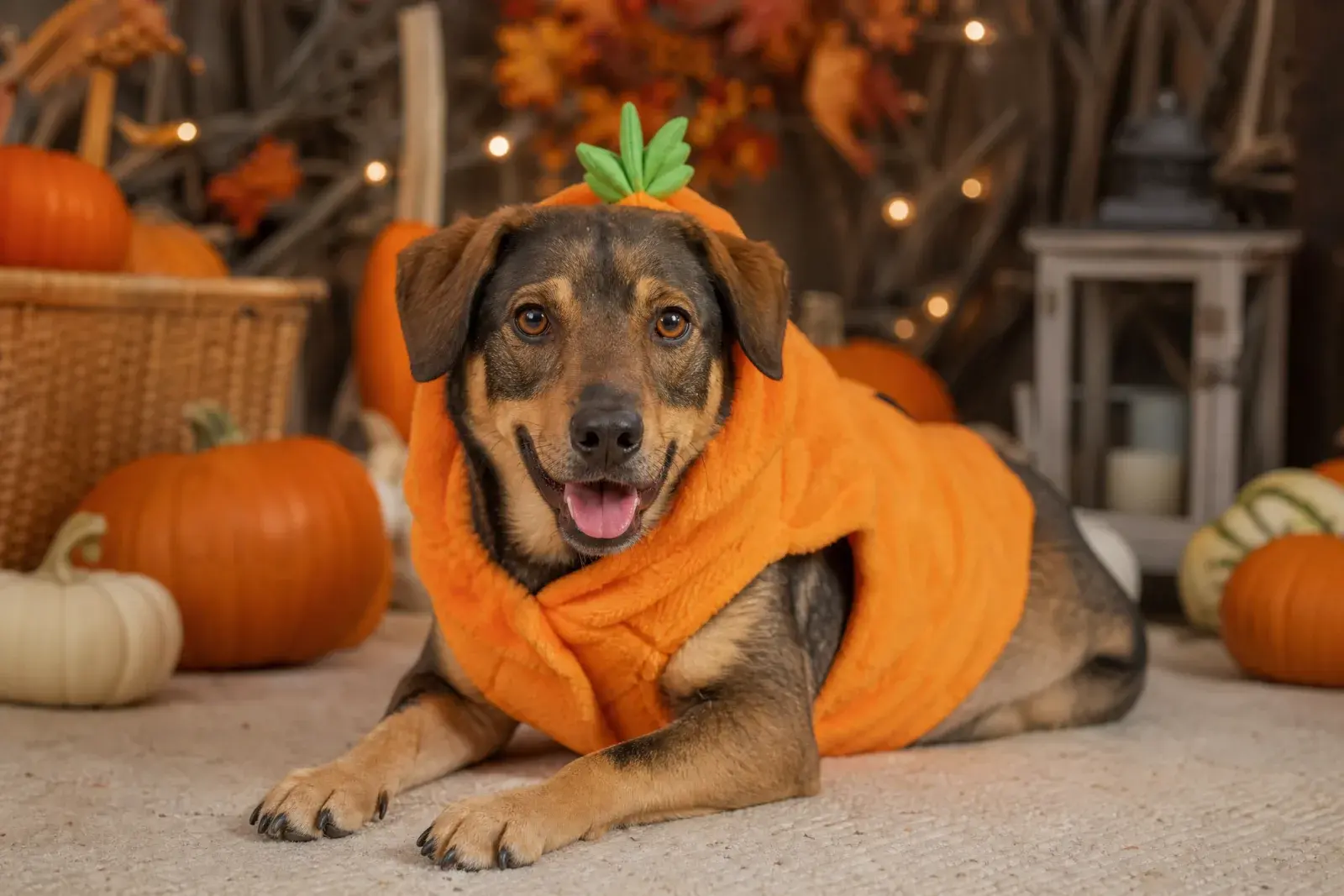
Eight original looks built around this year's trending costume language: gothic braids, celestial princess, sci-fi visor hero, pumpkin pet, robot, haunted mascot, liminal horror, and a cowboy-angel couple.
How it works
1
Upload one clear photo
Use a front-facing photo with even light and no sunglasses. One person works best; couples need a multi-reference model.
2
Keep the identity lines
The prompt protects the face, skin tone, body proportions, and the number of people. Change the costume and scene, not the person.
3
Edit once, then animate
Generate the still first. When the face and costume look right, send that image to an image-to-video model for a five-second clip.
Prompt recipe
Copy the prompt as written, then edit only the costume, palette, and location lines. The negative constraints are part of the recipe, not decoration.
Open the image generator, upload your photo, and keep the identity-preservation lines intact. The prompt is written for an image-editing model, not a generic text-to-image prompt.
Edit the uploaded photo into an original celestial Halloween princess portrait. Preserve the subject's recognizable face, natural skin texture, body proportions and pose. Replace the outfit with a midnight-blue fantasy gown featuring silver embroidery, softly glowing star patterns and realistic flowing fabric. Add a delicate silver moon crown and luminous accessories. Place the subject inside a moonlit observatory with a starry sky visible through tall windows. Use elegant fantasy fashion photography, realistic fabric details, cinematic rim lighting, and a deep-blue, silver and violet color palette. Keep the person recognizable. Avoid altered facial identity, extra people, distorted anatomy, text or watermarks.
Model routing
Each look can run on more than one model. Start with an identity-first model, then compare a scene-first edit when you need a stronger costume or background.
KIENano Banana ProFace and identity preservation
Image editKIESeedream 4.5 EditCostume, fabric and scene changes
Image editKIEFLUX KontextCostume, fabric and scene changes
Image editKIEGPT-4o Image EditCostume, fabric and scene changes
Image editKIEKling 2.1 ProShort cinematic motion
Image to videoKIEVeo 3.1 FastShort cinematic motion
Image to videoKIESeedance 1.5 ProShort cinematic motion
Image to videoKIESora 2 CharactersShort cinematic motion
Image to videoQuestions
Can I use these prompts outside Vidle?+
Yes. The prompt structure is portable. Use a model that accepts a reference image; a text-only model cannot preserve the face in the same way.
What should I change first?+
Change the costume and scene lines first. Keep the identity-preservation, anatomy, and negative-constraint lines intact until the result looks right.
Are these prompts only for Halloween?+
The structure works for any seasonal portrait. Swap the costume, palette, and location; keep the same identity and anatomy guardrails.
Halloween AI Photo Prompts
Generate the still first. When the face and costume look right, send that image to an image-to-video model for a five-second clip.
Original AI interpretations. Vidle is not affiliated with film, game, or costume rights holders. Only upload photos of people who have given you permission.